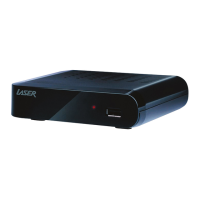
MMC-B19
7
Operating Live TV
- Click DTV, select DVB T/T2 standard;
- Choose Auto Search;
- Select Channel Type: All, FTA Only; and Service Type: All, TV, Radio;
- Once the search starts, the search process will come up;
- You can enjoy the TV programs after the searching finishes.


 To Next Page