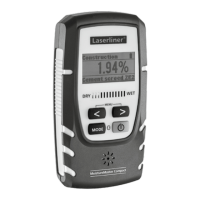
MoistureMaster Compact Plus
17
EN
1.
3.
2.
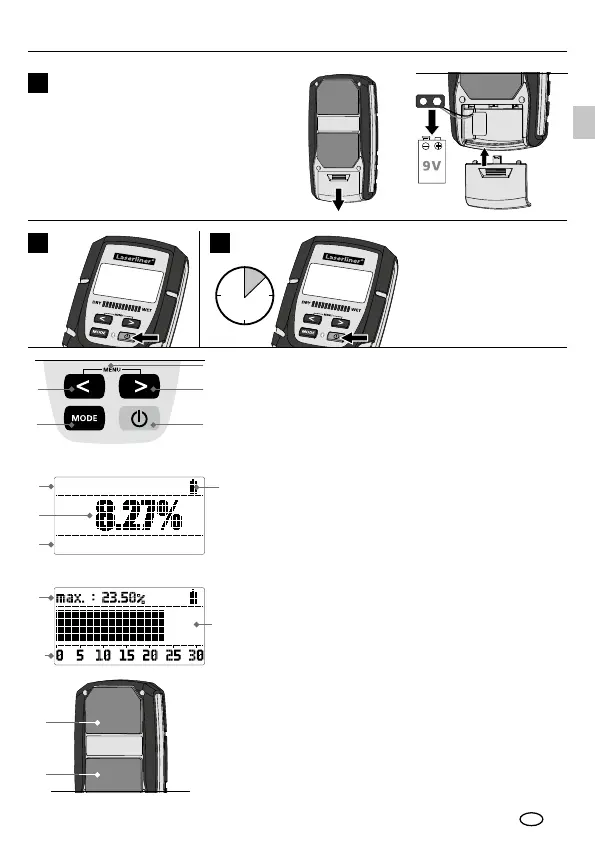
Insert battery
Open the battery compartment on
the housing‘s rear side and insert
a 9V battery (6LR61 9V). Correct
polarity must be observed.
1
8
11
1
3
2
4
3
12
12
5
7
Construction mat
Plaster
6
Display "measured value"
9
10
Display "bar graph"
2
ON
3
2 sec
OFF
Automatic switch-off
after 2 minutes.
1
2
3
4
5
6
7
8
9
10
11
12
ON/OFF
Switch to wood, building
material, CM, index, index zoom
mode; conrm selection
Navigation buttons
Select language;
DRY limit setting;
WET limit setting;
AutoHold on/off
Selected material group
Measured value as % of
relative material moisture
Selected material
Battery charge
Maximum measured value
Measurement scale
Bar graph
Sensor pads




 To Next Page