Section 5: Firmware
How to upgrade the firmware?
From www.gccworld.com website, you can logon with a distributor account and
download an utility tool called “uploader.exe” With this utility tool you can upgrade the
machine to the newest firmware or the firmware of your choice.
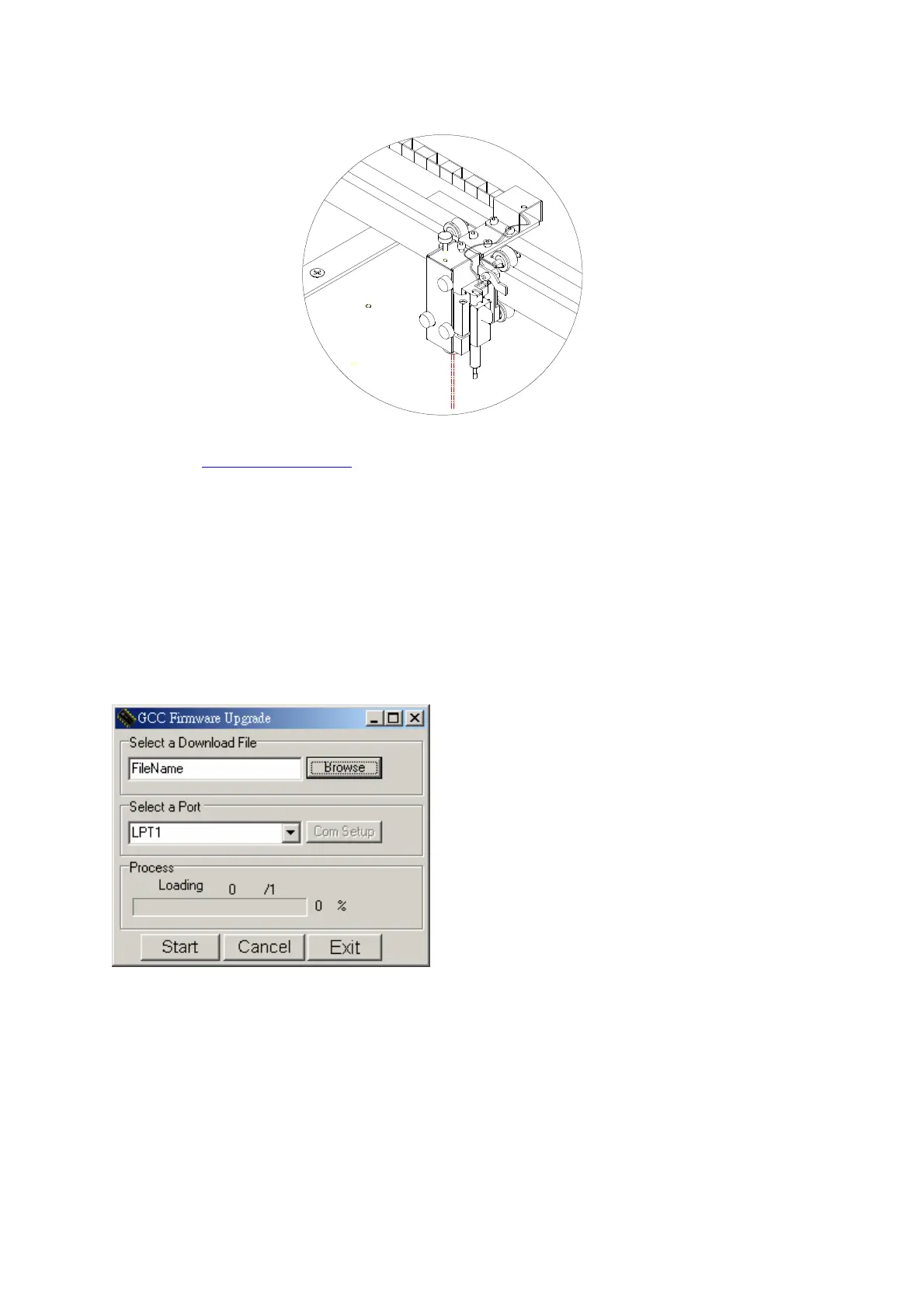
1. Turn on the machine while holding down the Auto Focus button will allow you to send the
firmware via the parallel port.
2. Run the uploader.exe file.
3. Change the Com Setup to LPT1.
4. Locate the firmware file on your computer.
5. Click on the “Start” button and wait until the machine re-initialize.
40



 To Next Page