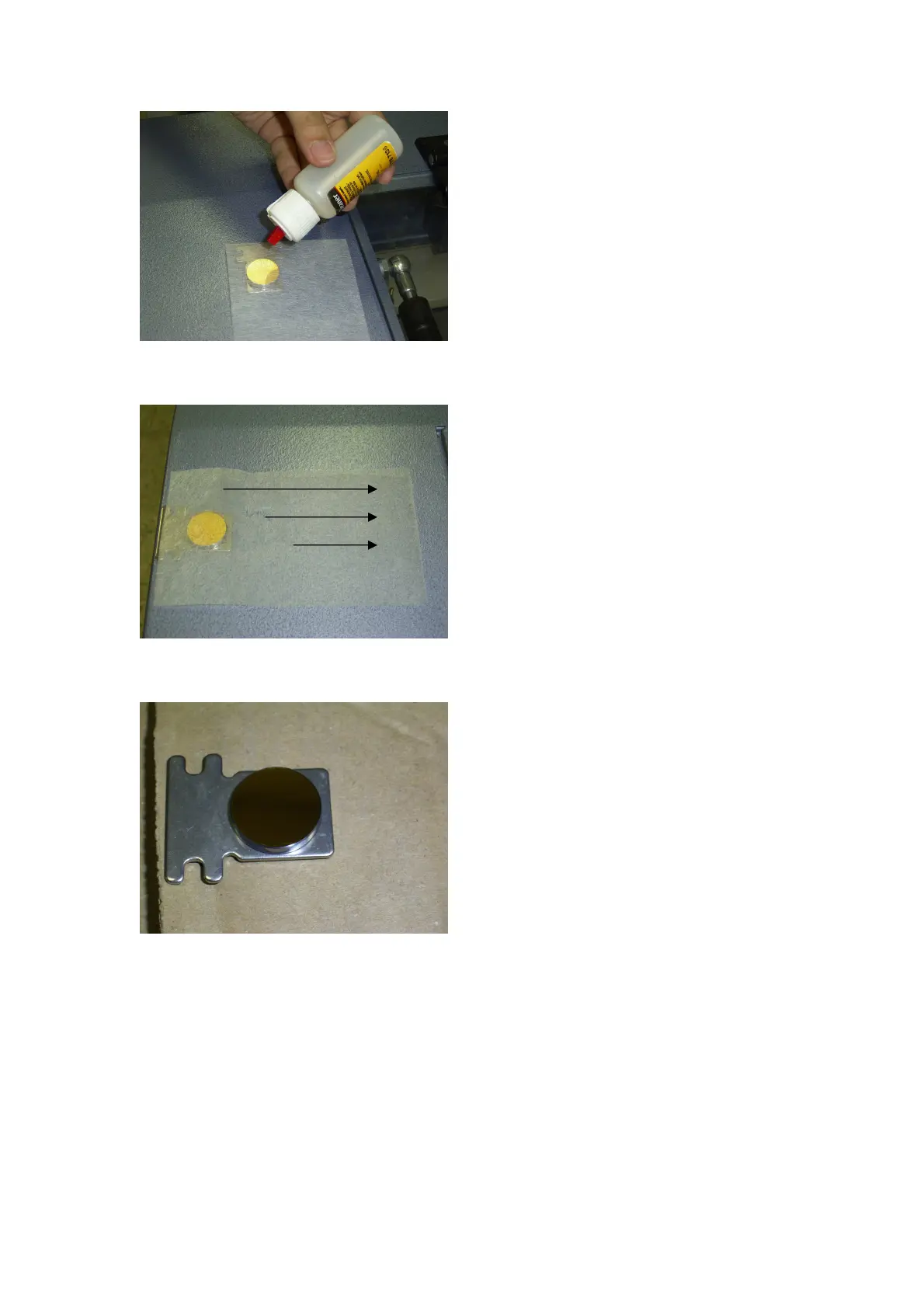
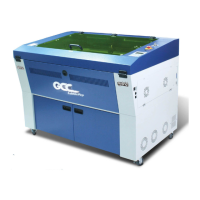
Slowly pull the wetted paper from one side to another.
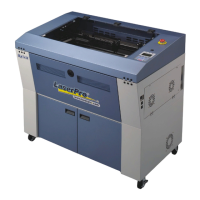
Make sure the lens is cleaned, dried and does not have any debris on the surface.
Cleaning the focusing lens:
First remove the lens from the pen carriage. To remove the focusing lens, release the
three screws on the pen carriage as shown below and locate the focusing lens in the pen
carriage.
Apply a drop or two of the cleaning solution on a cotton bud and lightly clean the focusing lens.
Use a second cotton bud to dry or air dry the lens.
44



 To Next Page