EasyManua.ls Logo

Lasonic i-931X - Music Playback Operations; Playing Music; Custom Playback Program

Lasonic i-931X
28 pages
Print Icon
To Next Page IconTo Next Page
To Previous Page IconTo Previous Page
Loading...
How to
Play
Music
1. Plug in
i931 and
it
is in standby
mode.
At
this time,
LCD
@
will
display
time
but
not be on.
2. Prdssitower
button
Oto
turn
on
this
player.
At this
time,
LCD
@
will be on.
3.
Press
Punction button@to
select
desired
music source.
There are
five options:
-
Tuner
-
SD/MMC
.
IPOD
.
AUX
-
USB
4.
After select
desired
music
source,
press
Play/Pause
button(O
to
start
playing.
How to Set
Up
Gustom
Playback
Program
(PROG/Memory
button)
You can
create
custom
playback
program
with
the
program
feature
for USB/SD/MMC
playback.
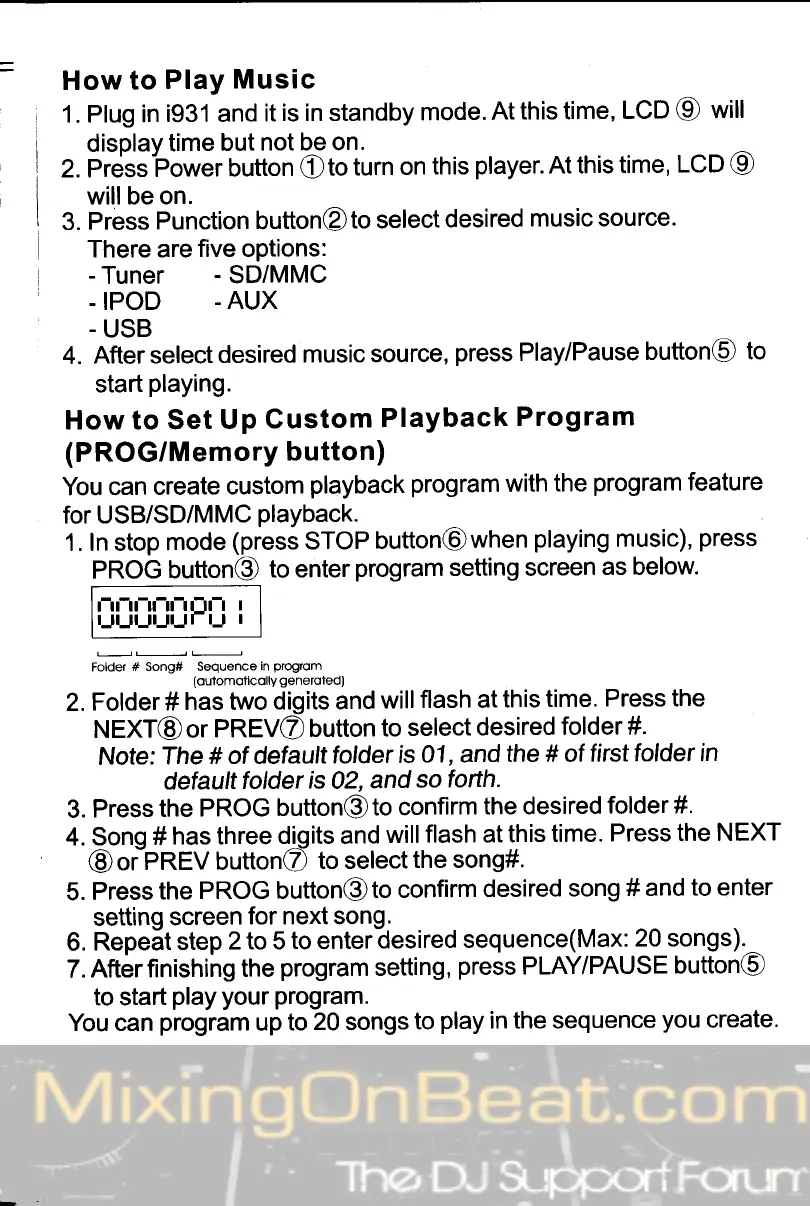
1. In stop
mode
(press
STOP
button@when
playing
music),
press
PROG
button@
to enter
program
setting screen
as below
ll
U
"UPU
:
Folder
# song# Sequenceln
gogrom
(oulomoticolly
generoted)
2.
Folder#
has two
digits and
willflash
at
this
time.
Press the
NEXT@
or
PREV@
button
to
select
desired
folder
#.
Note:
The
# of detaultfolder
is
01, and
the
#
of
firsttolder
in
default
folder
is
02,
and
so
forth.
3.
Press
the
PROG
button@to
confirm
the desired
folder#.
4. Sono
#
has three
diqits and
will
flash at this
time.
Press
the NEXT
@oipnfV
buttonC
to selectthe
song#.
5.
Press
the
PROG button@to
confirm
desired
song #
and
to enter
setting
screen
for next song.
6.
Repe-t
step
2 to 5
to
enter
desired
sequence(Max:
20 songs).^
7.
Afterfinishing
the
program
setting,
press
PLAY/PAUSE
button(O
to start
play
your
program.
You can
program
up
to
20
songs
to
play
in the sequence
you
create.