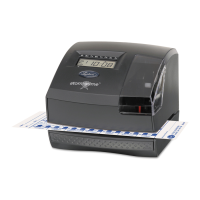
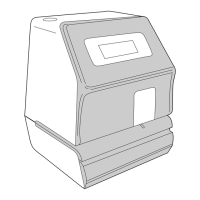
2100HD User’s Guide
5
◼ Contents
• 2100HD Time Clock
• (25) E8 Weekly Time Cards
• AC Power Adapter
• Keys and Keychain
• (3) #8 Philips head screws
• (3) #8 wall anchors
• User’s Guide
• Wall Mounting Template
◼ Quick Start Steps
1. Remove top case with supplied key
2. Plug power adapter cord to connector port on 2100HD
3. Plug power adapter into AC power wall outlet
4. Mount 2100HD to wall (optional)
5. Change Program Settings (optional)
6. Replace top case and lock using supplied key
◼ Register Your Product
It is important that you register your product with Lathem
shortly after purchase to activate your product’s warranty. To
register online visit: www.lathem.com/register


 To Next Page