◼ Printing
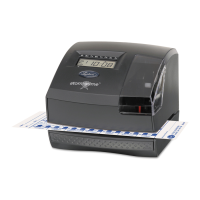
The 2100HD uses patented direct thermal print technology
which eliminates ribbons or ink. You must use Lathem E8
series thermal time cards with the 2100HD. Use of any other
time card or form will result in no printing and may damage
the time clock.
To Print on Time Card
1. Insert E8 thermal time card into card receiver
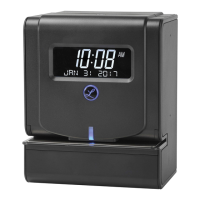
2. Adjust position of time card so blue LED alignment
indicator is in desired print position
3. When properly aligned, the blue LED will turn green and
printing will occur automatically
4. Remove time card
Note: When punching at time card, the LCD will flash “- - - -“
momentarily to indicated device is completing a print cycle.


 To Next Page