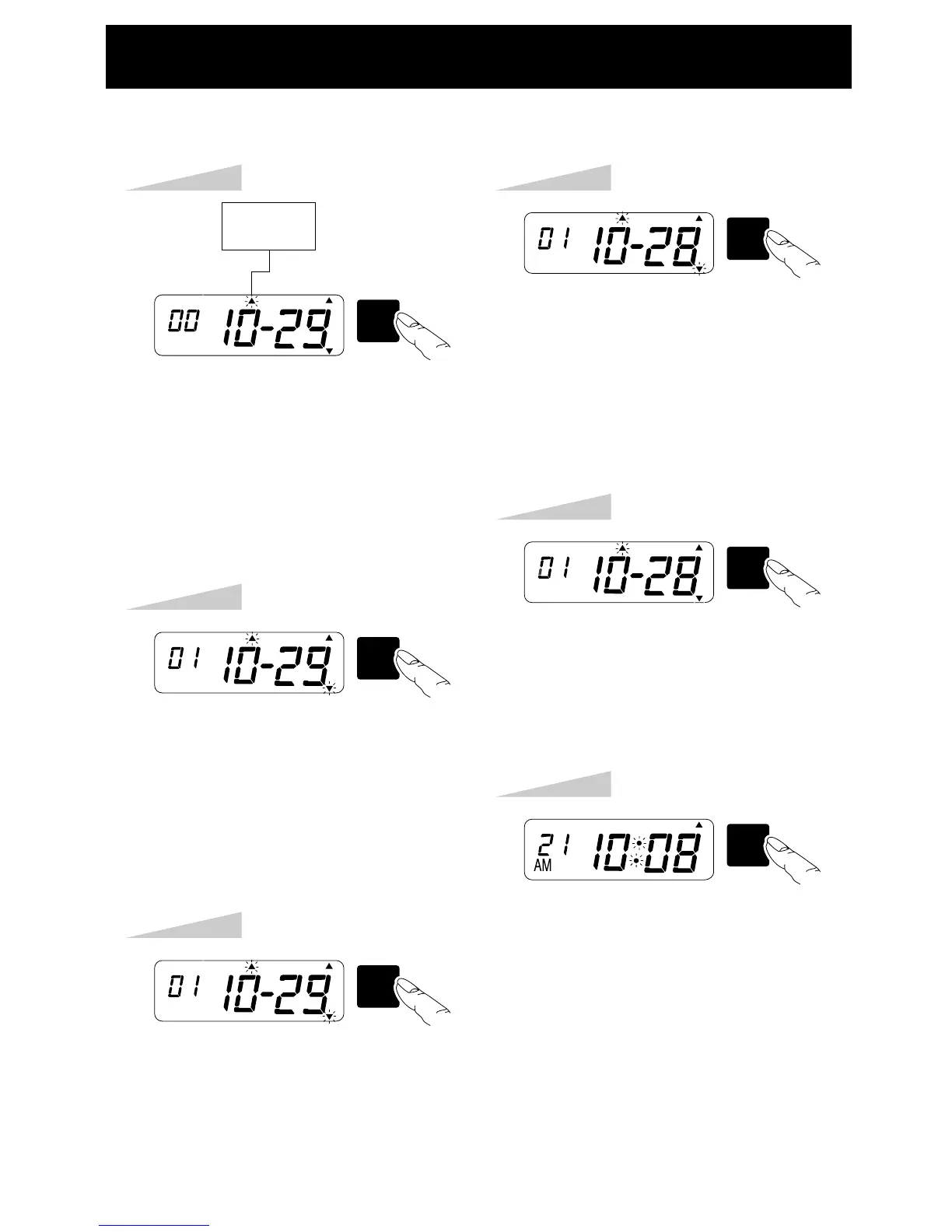
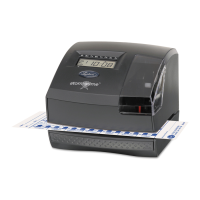
SETTING THE ENDING DAYLIGHT SAVING TIME
Step 1
Press the [SW5: MODE] key four times,
the "END DAYLIGHT SAVING" arrow
flashes.
Example:
End on 28th of October, 2001
Press the [SW2: MINUTE / DAY] key
until the correct day appears.
Keeping the SW2 pressed, advances
the day automatically. Longer pressing
speeds advancement.
Step 4
SW5
MODE
SW2
MINUTE
DAY
TU WE TH FR SA SUMO
TU WE TH FR SA SUMO
END
DAYLIGHT
SAVING
Press the [SW1: SET] key after
checking the desired year, month and
day on the LCD.
Step 5
SW1
SET
TU WE TH FR SA SUMO
Press the [SW1:SET] key again.
Step 6
SW1
SET
TU WE TH FR SA SUMO
Step 2
Press the [SW4: YEAR] key until the
correct year appers.
Keeping the SW4 pressed, advances
the year automatically. Longer pressing
speeds advancement.
SW4
YEAR
TU WE TH FR SA SUMO
Step 3
Press the [SW3 : HOUR / MONTH] key
until the correct month appears.
SW3
HOUR
MONTH
TU WE TH FR SA SUMO
9


 To Next Page