4.2
Device Placement
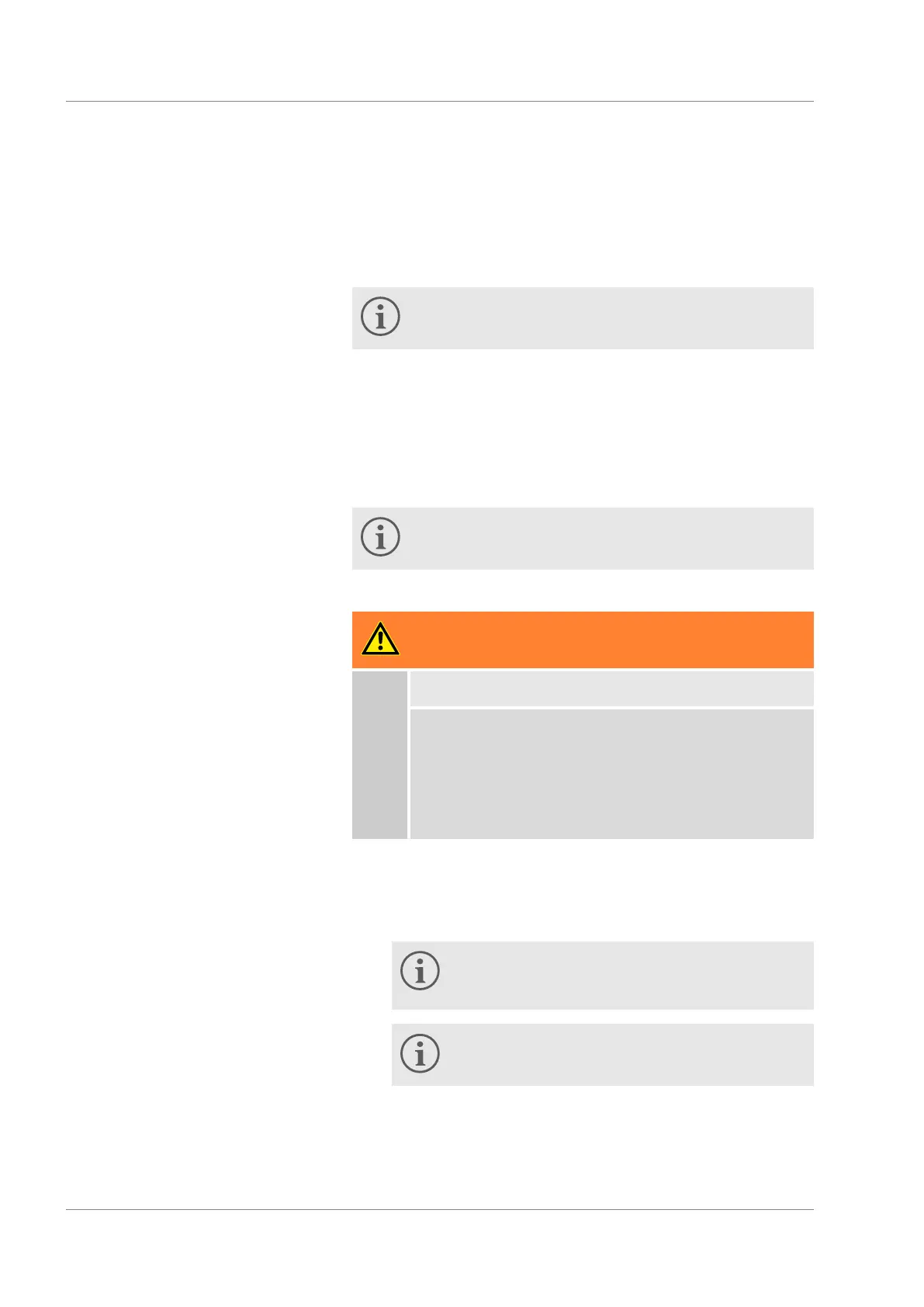
Very specific placement conditions are applicable for the equip-
ment. These placement conditions are specified in the technical
data of the device for the most part.
Further information about the technical data can be
found in
Ä
Chapter 11.1 ‘General data’ on page 60.
Additional placement conditions are described below.
Toxic vapours can be produced depending on the heat transfer
liquid used and type of operation. Ensure sufficient extraction
of the vapours.
Observe the requirements of the device for electromagnetic
compatibility (EMC).
Do not cover the ventilation openings.
Further information about EMC requirements can be
found in
Ä
Chapter 4.1 ‘EMC classification’ on page 23.
WARNING!
Rolling away, falling over of the device
Impact, crushing
Do not tilt the device.
Place the device on a level, non-slip surface with
sufficient load bearing capacity.
Engage the castor brake when setting up the
device.
Do not place any heavy parts on the device.
1. Place the device at a suitable location in the room.
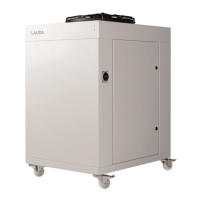
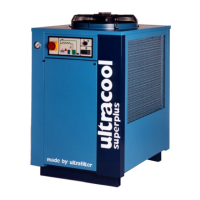
Place tabletop devices on a suitable table. Support the
device for this by reaching under the device.
Place floor-standing devices on a suitable base.
Floor-standing devices can be moved. Release
the locking brakes of the castors for this by
pressing the [Off] lever downwards.
Several devices can be positioned next to each
other.
2. Lock the castors of the device for floor-standing devices.
Press the [On] lever downwards to lock.
Before commissioning
Microcool 24


 To Next Page