Personnel:
Operating personnel
1. Select the menu item for configuration of the RS232 inter-
face.
2. Select the appropriate baud rate.
The following baud rates can be selected:
2.4
4.8
9.6
19.2
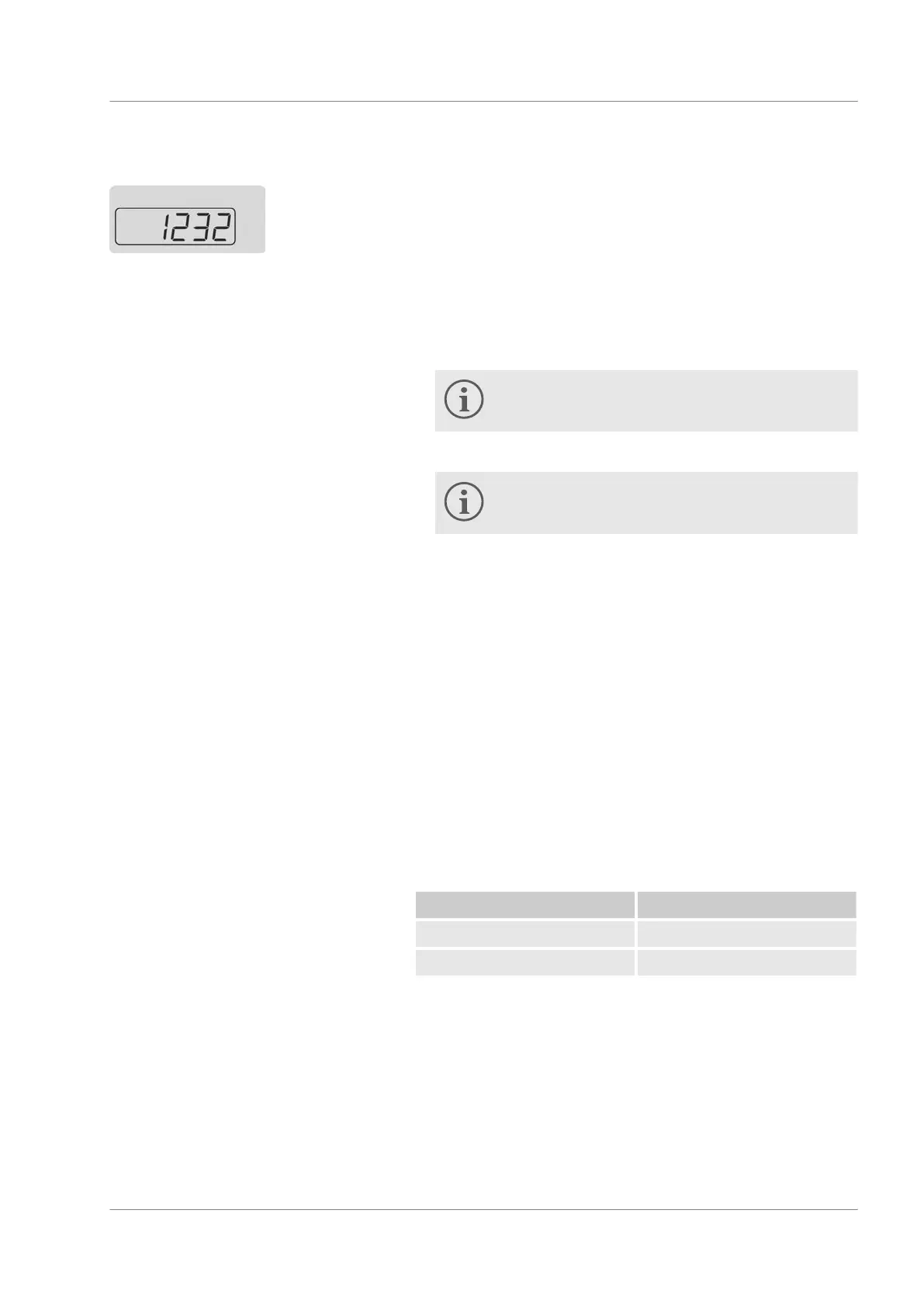
The hundreds and thousands digits are not visible
on the display.
3. Confirm with the ENTER button.
Your input is applied automatically after approx. 4
seconds.
6.7.2
Protocol
Note the following:
The interface operates with 1 stop bit, no parity bit and 8 data
bits.
Selectable transmission speed: 2400, 4800, 9600 (factory set-
ting) or 19200 baud.
The RS232 interface can be operated with or without hardware
handshake (RTS/CTS).
The command from the computer must be terminated with CR,
CRLF or LFCR.
CR = Carriage Return (hex: 0D); LF = Line Feed (hex: 0A)
The response from the thermostat is always terminated with
CRLF.
Example for setpoint transfer of 30.5 °C to the thermostat.
Computer Thermostat
"OUT_SP_00_30.5"CRLF
"OK"CRLF
Fig. 20: RS232 interface
RS232 protocol
Operation
Microcool 45


 To Next Page