LAUNCH
X-431 PRO V4.0 User Manual
5
6 S
peakers
7 L
CD screen
8
POWER/Screen lock
key
In
Off mode, press it to turn the tablet on.
In On mode, turn the tablet off with long
press or lock screen with short press.
1
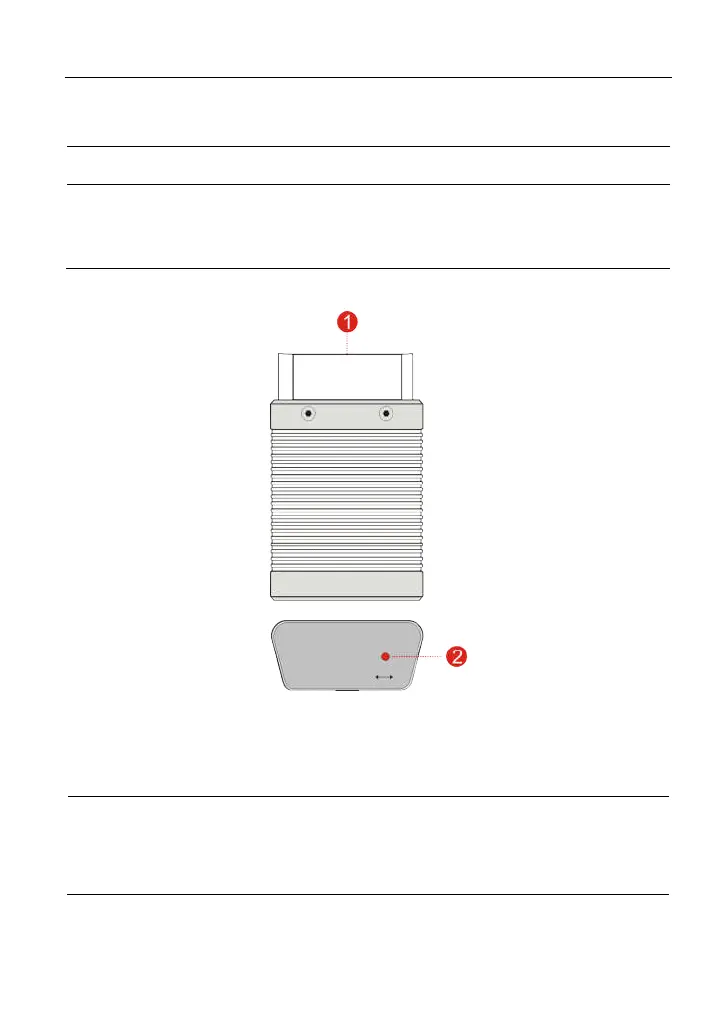
.3.2 VCI device (Only applies to 12V cars)
F
ig. 1-2 VCI device
1
OBD-16 diagnos
tic
c
onnector
To connect on vehicle’s OBD II DLC.
2 Mode indicator
It illuminates red when the VCI device is
connected to the vehicle’s DLC.
Blue indicates the VCI device is working in
wireless (BT) communication mode.



 To Next Page