LAUNCH
X-431 PRO V4.0 User Manual
23
On-screen Buttons:
P
rint:
Tap to print the current screen. To perform printing, you need to purchase
a
n extra Wi-Fi printer manufactured by LAUNCH separately and then properly
configure the wireless printer following the steps described in Chapter 9.10.3.
Clear DTC:
Tap to clear the existing diagnostic trouble codes.
F
ault Report:
Tap to view the health report in details.
F
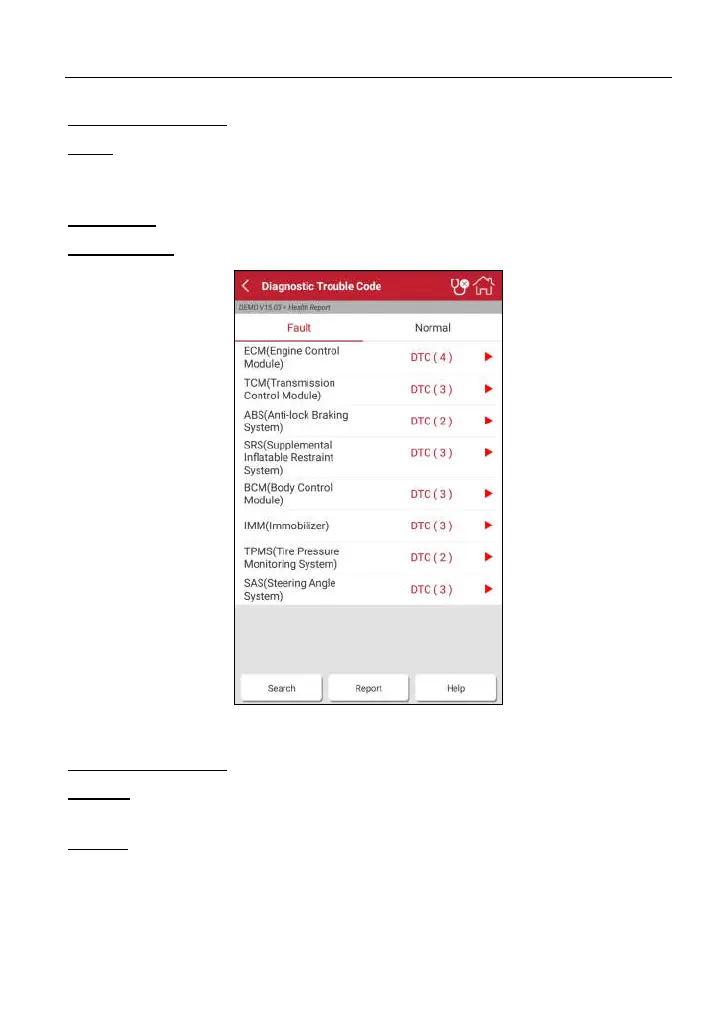
ig. 4-17
On-screen Buttons:
S
earch:
Highlight a certain DTC item, and then tap it to launch the browser to
se
arch for more detailed information about the selected DTC online.
Report:
To save the current data in text format.



 To Next Page