LAUNCH X-431 GDS Batterybox Manual
16
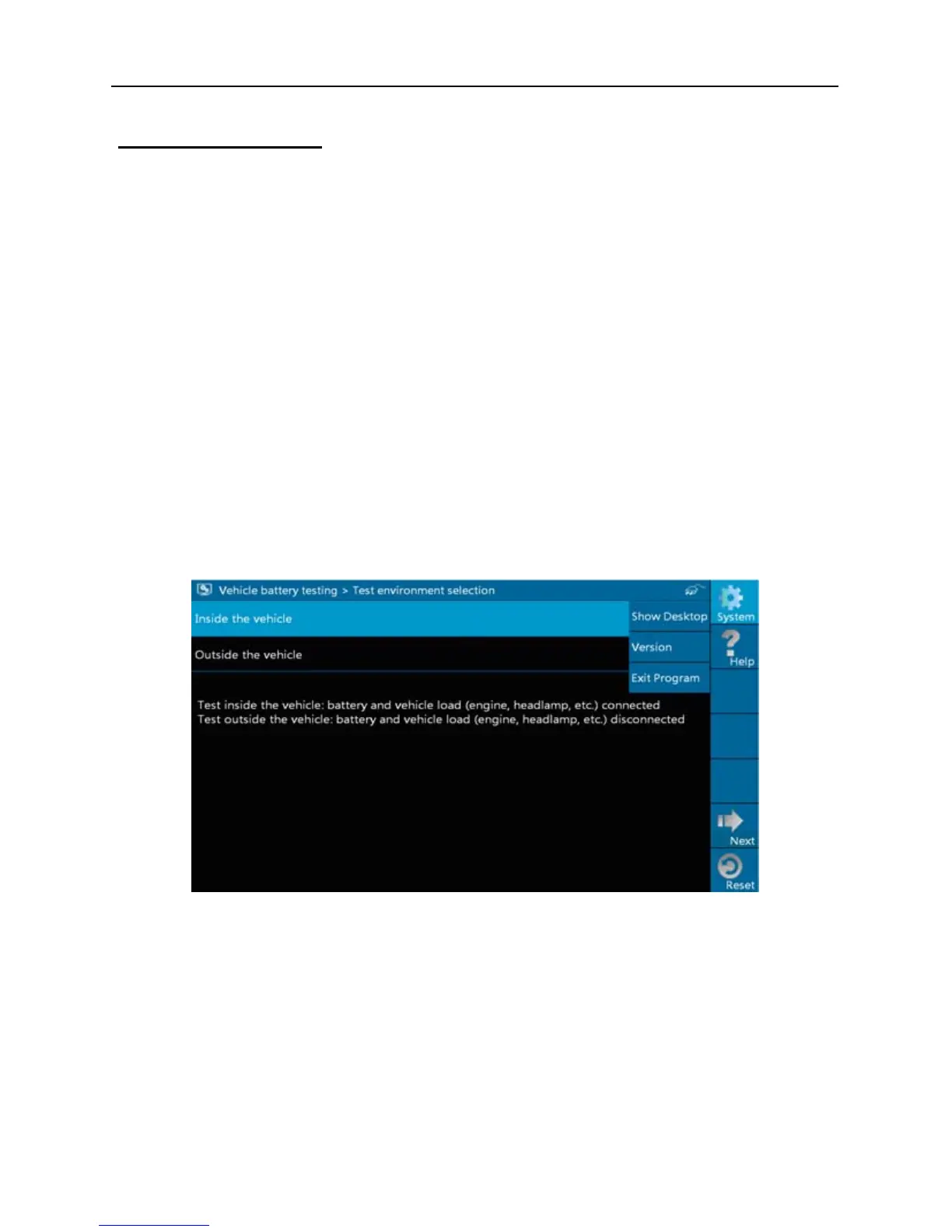
Button Descriptions:
[System]: 3 submenus are available: Show desktop (return to desktop),
Version (View the current version info) and Exit program (exit the
current program).
[Help]: views introduction and operation guideline for battery test.
[Print]: print test results.
[Retry]: display test results again.
[Reset]: stop all current operation and enter initializing interface.
Note: All buttons are invalid unless the print was completed.
3.5 Review version info
1. In Fig. 3-1, click [system], a pull-down menu will pop up.
Fig. 3-17


 To Next Page