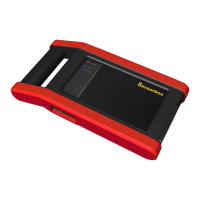
LAUNCH X-431 GDS Batterybox Manual
7
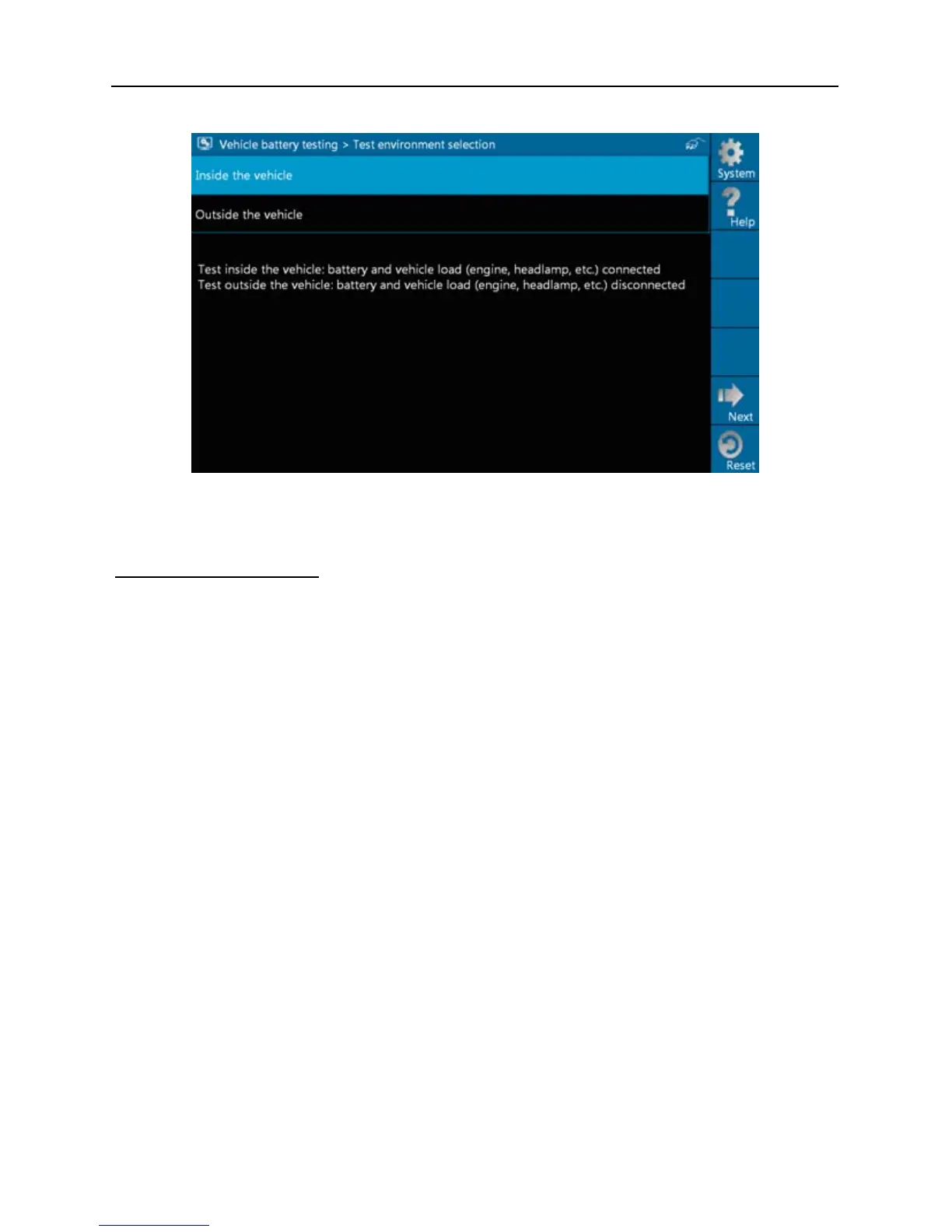
Fig. 3-1
Button Descriptions:
[System]: 3 submenus are available: Show desktop (return to desktop),
Version (view the current version info) and Exit program (exit the
current program).
[Help]: views introduction and operation guideline for battery test.
[Next]: proceed to the next operation.
[Reset]: stop all current operation and enter initializing interface.
Note: The sequences of inside the vehicle and outside the vehicle test are
almost the same, but under inside the vehicle condition, all loads in vehicles
must be powered off for getting an exact test value.
2. Firstly, detect whether floating electricity exists or not before testing. If yes,
turn on the headlamp to remove it. Otherwise, the system starts test
program directly.


 To Next Page