- 13 -
4. MODES
4-1. How to change Sorting Mode
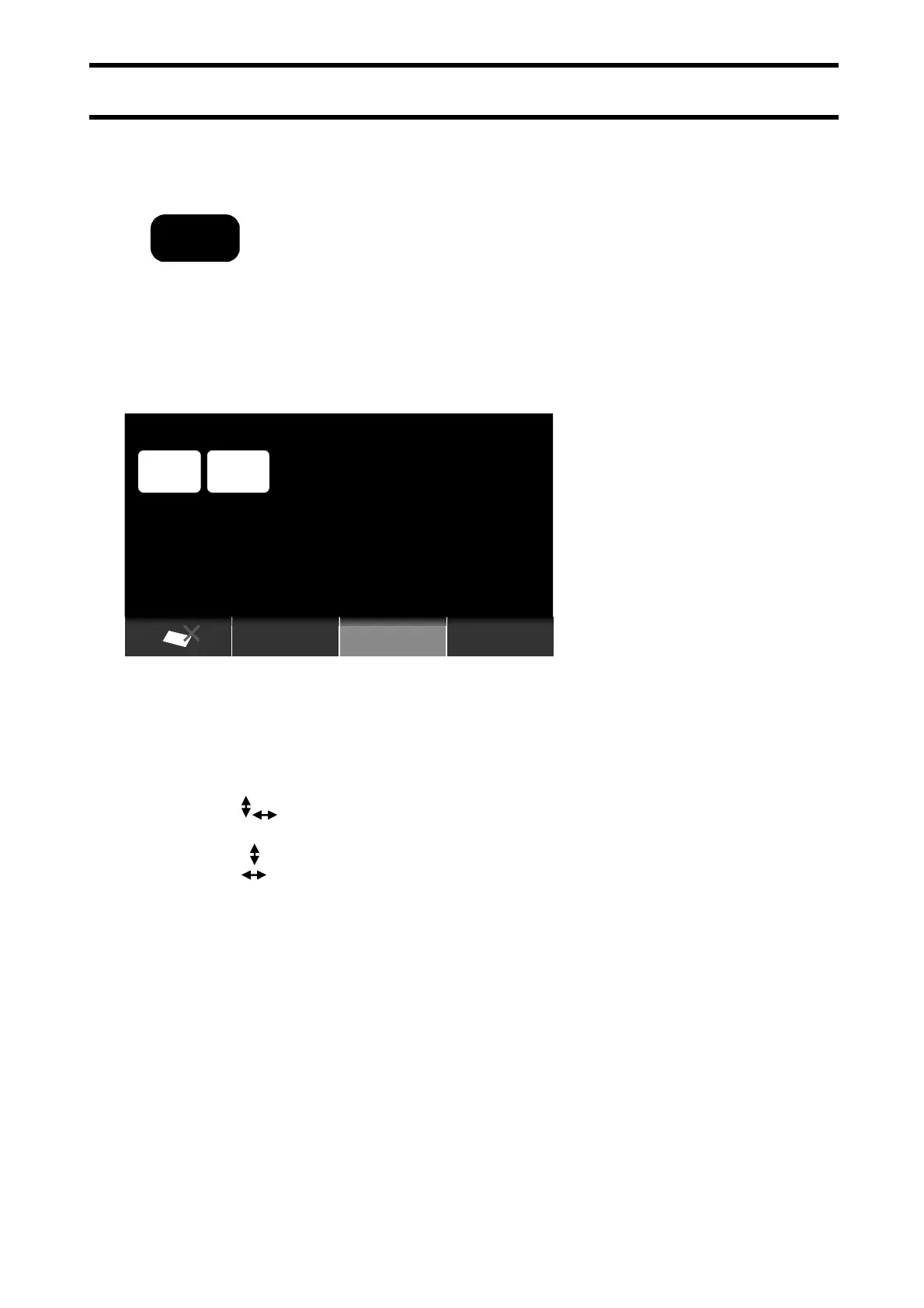
Press Mode key to change sorting mode every press of the key
switches from COUNT – VALUE – SORT.
4-1-2. COUNT Mode
The count result is shown in quantity (pieces).
In Count Mode F Keys enable the following function settings active.
F1: SC Function <Size Check Function>
Detect size different notes
SC: Size Check ON
SC: x Size Check OFF
SC: Detect a different note in a shorter side of a note
SC: Detect a different note in a longer side of a note
F2: MG Detection
MG:OFF Detection OFF
MG:L Levels setting
H is the severest detection level. MG:M
MG:H
F3: UV Detection
UV:OFF Detection OFF
UV:L
Levels setting
H is the severest detection level.
UV:M
UV:H
ORIENT
Serial No.
COUNT
ADD
PRESET
100
1,2345,678
UV: M
MG: OFF
MODE


 To Next Page