P
reface
8/ 68 V1.3/0 mc²66
Preface
A
bout This Manual
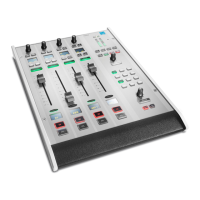
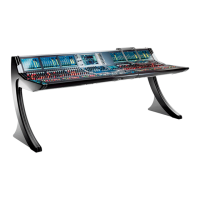
Before we guide you through the operation of the m
c
2
66 broadcast production console, first a
few words about this manual.
Chapter 1 provides a step-by-step tutorial to common console operations. If you are new to
the console, please read this chapter first.
Chapters 2 to 8 cover each area of operation in greater detail. Use the Table of Contents at the
beginning of the manual or Index Directory (Page Fehler! Textmarke nicht definiert.) to locate
help on a particular topic.
Appendices, technical data and the index directory are provided at the end of the manual.
Conventions
Throughout this manual we will be using a number of conventions:
H
eadings
Every new topic is clearly identified in large, b
old font.
I
nstructions and Results
Specific operational procedures are written as a sequence of numbered instructions which
guide you through the task. The result of the operation is written in italic letters giving you the
chance to identify errors at an early stage. For example:
1. To make the route press the CONN (Connection) soft key located above the trackball.
The Signals display updates with a green line showing the route between your source and
destination.
Marginal notes
The following marginal notes are used to draw your attention to:
User tips
Notes


 To Next Page