V1.0/228 V_pro8 Manual
Installation & Configuration
Web Browser Control
2. Click on the Login button to log in to the system - the
button turns red, and the user interface main menus appear.
3. To "log out", close your browser window.
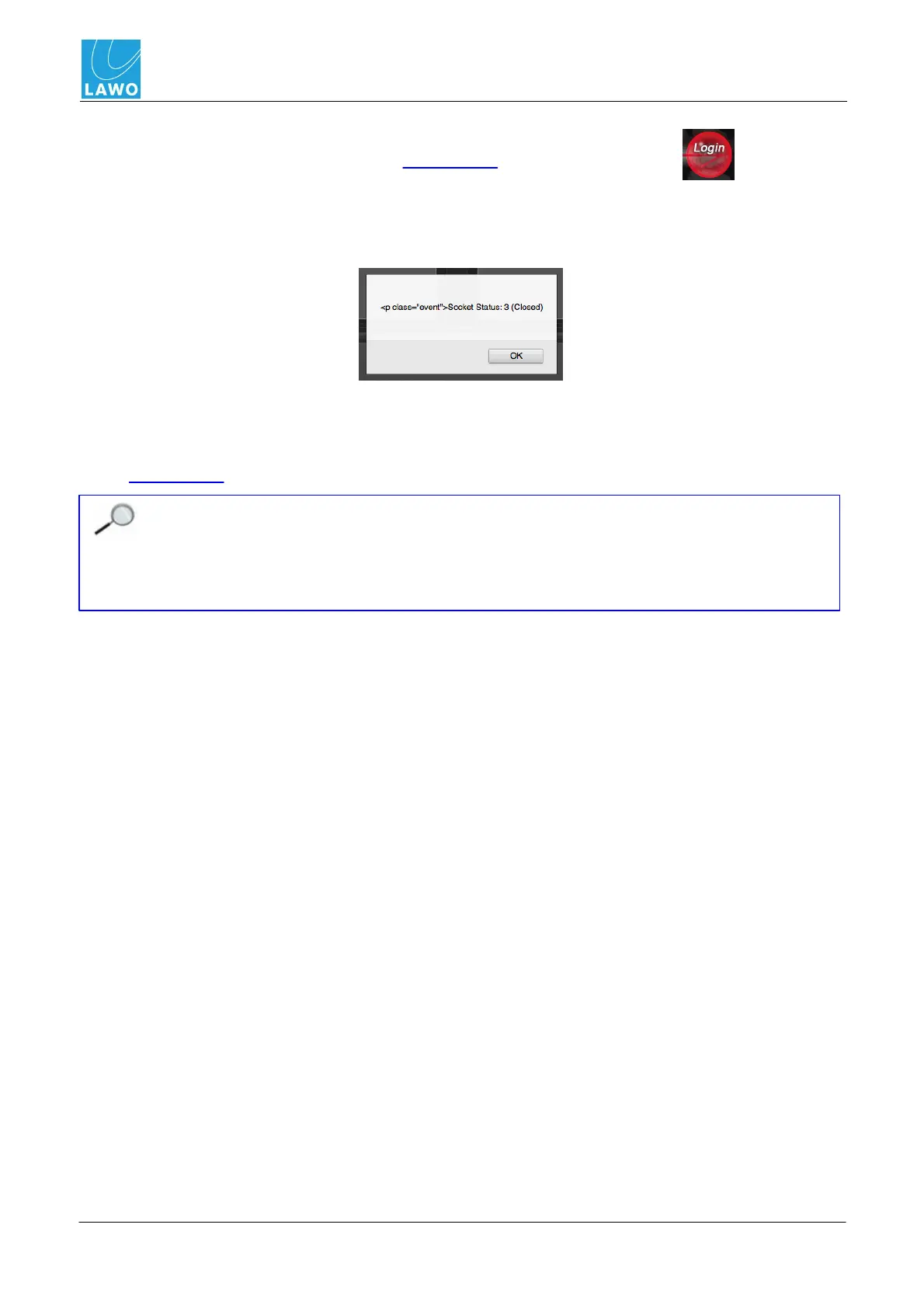
If, at any time, the following message appears, then the browser has lost its connection to the pro8:
This may occur if the unit has lost power or its network communication, so check your physical
connections.
4. Select OK and then click on the browser's Refresh button to reconnect - you are returned to
the main menus.
The user interface may appear to operate, even without a browser connection. This is
because the last known settings are cached into the browser's memory. When running
with live video and audio, it is usually obvious if the connection has been lost. However, if
you are working without signals present, and you close and ignore the "connection lost"
message, be aware that you are NOT controlling parameters within the pro8!



 To Next Page