V1.0/248 V_pro8 Manual
Operation (Web Browser Control)
Operating Principles
Multiple Channel Selection
When you select channels for parameter control, you may select multiple channels in one operation.
Remember that you can:
Single-click to make additive selections. This allows you to make non-consecutive
selections.
Double-click to make an isolated selection. This clears all other selections first.
In each case, the channel select buttons turn dark blue as you hover your mouse,
indicating which channel blocks can be selected.
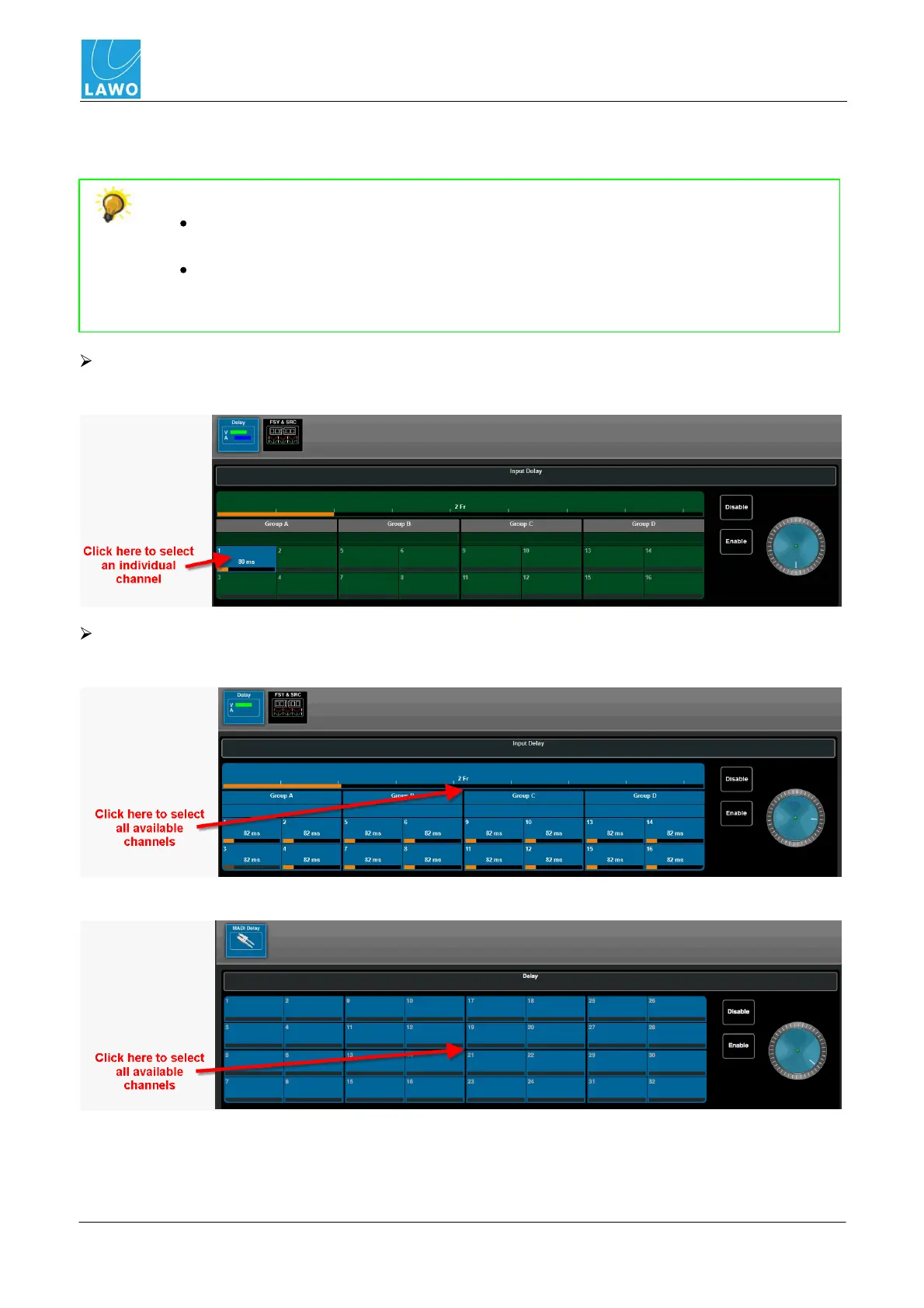
To select an individual channel:
Click directly on the channel select button:
To select all available channels
Click on the "T" formed by the black dividing lines between the video and audio channels (SDI):
Or, click on the central dividing line of the audio channels (MADI):



 To Next Page