V1.0/250 V_pro8 Manual
Operation (Web Browser Control)
Operating Principles
Data Entry
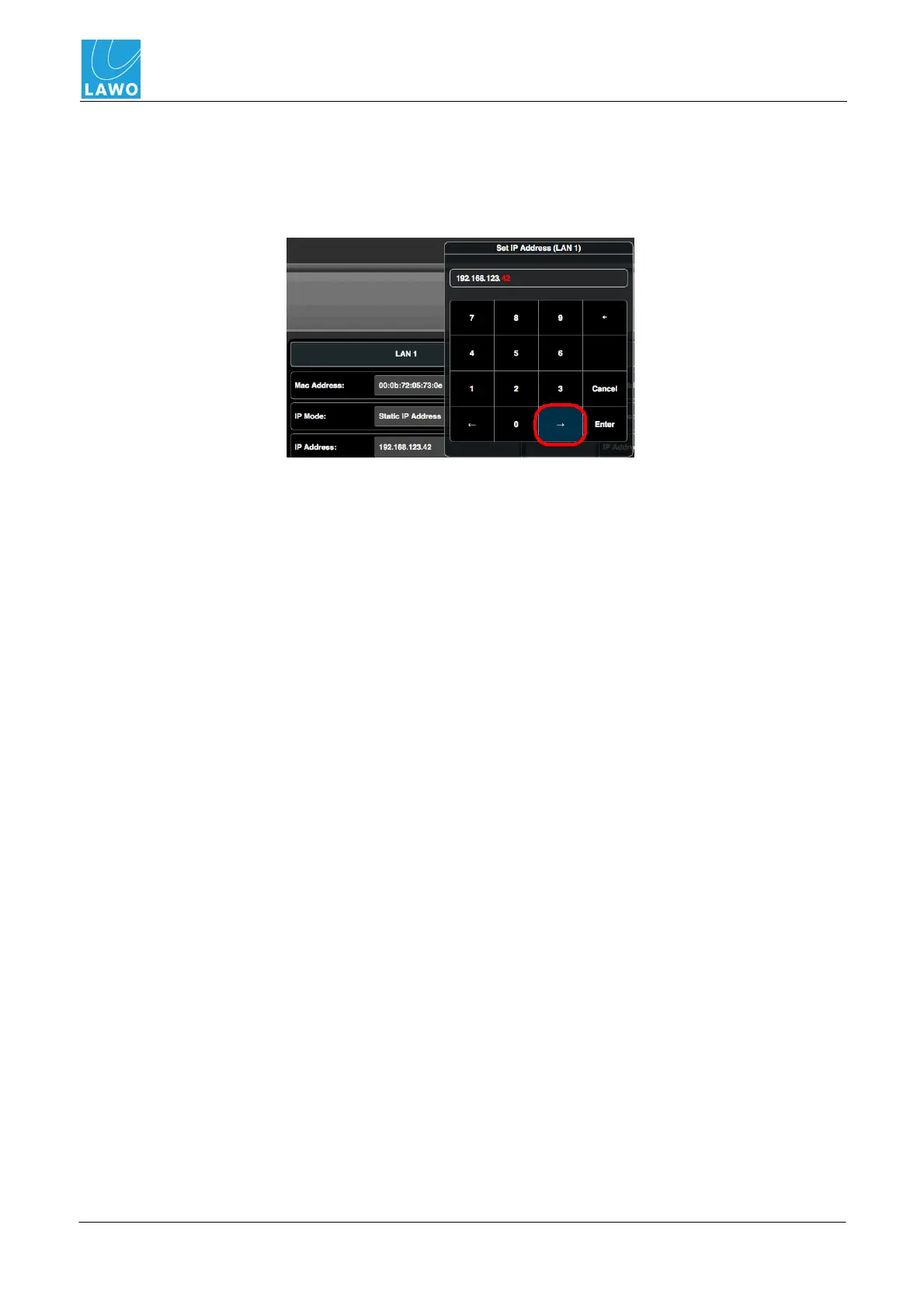
Sometimes you will need to enter a specific value using the on-screen numeric keypad. For example,
to enter a timecode value or new IP address. In these instances:
1. Click on the left or right arrow buttons to highlight the correct set of digits (in red):
2. Use the on-screen numeric keyboard to enter a new value.
3. Click on Enter to confirm the data entry.



 To Next Page