V_pro8 Manual V1.0/2 77
Operation (Web Browser Control)
SDI Out
SDI Out -> Conversion
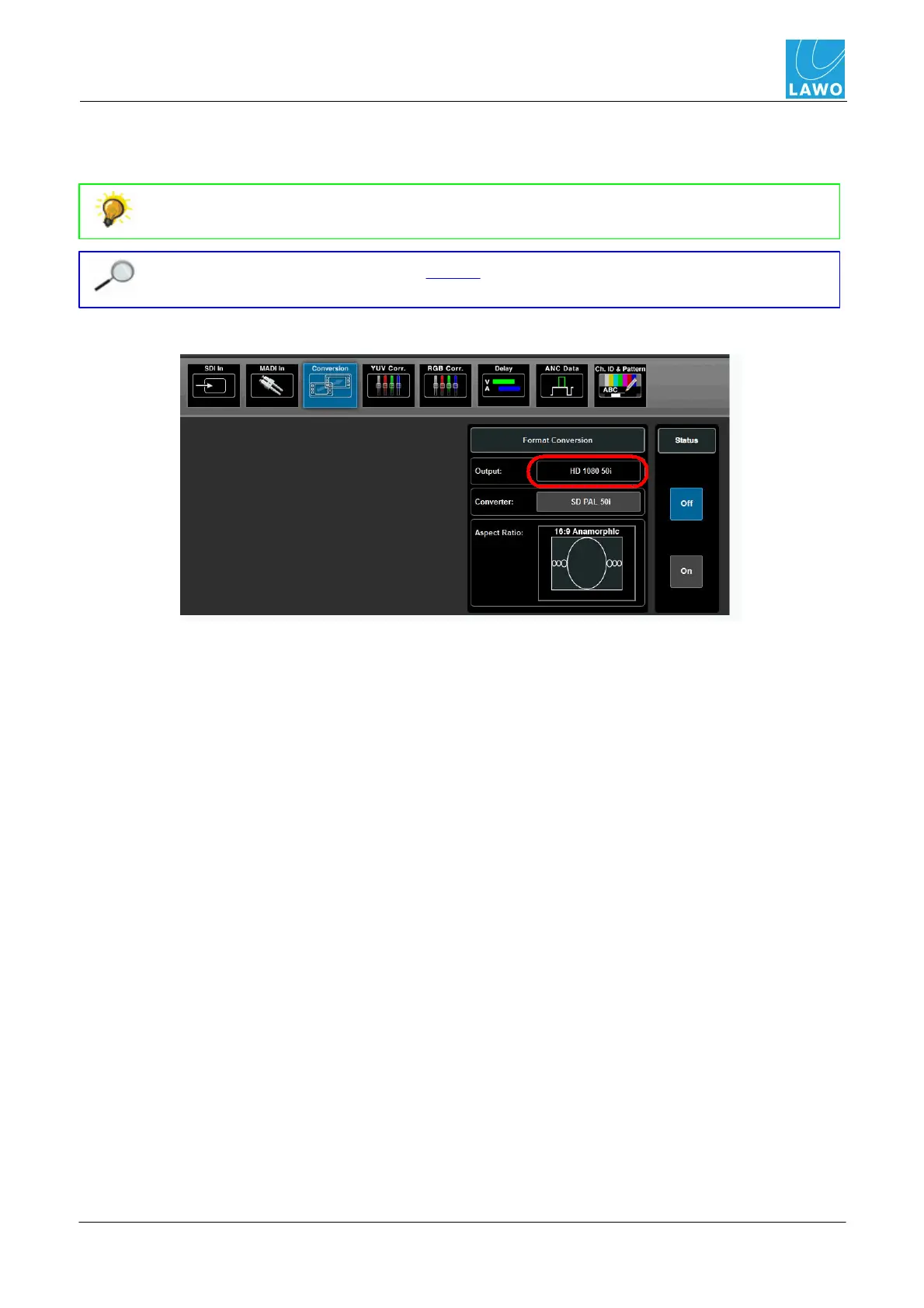
This sub menu adjusts the format and aspect ratio of the video channel.
Use this function to convert between various HD and SD formats. For example, to convert
a 1080i production to 720p or SD 16:9 to 4:3.
You must have the correct software license in order to access this menu; the pro8
supports format conversion of up to 2 video channels simultaneously.
The current video format is displayed in the Output field:
To change the format:
1. Click on the Converter button to choose a new output format.
2. Click on Aspect Ratio to select a new preset.
3. Then select the Status On button to apply the conversion - the Output field updates
accordingly.



 To Next Page