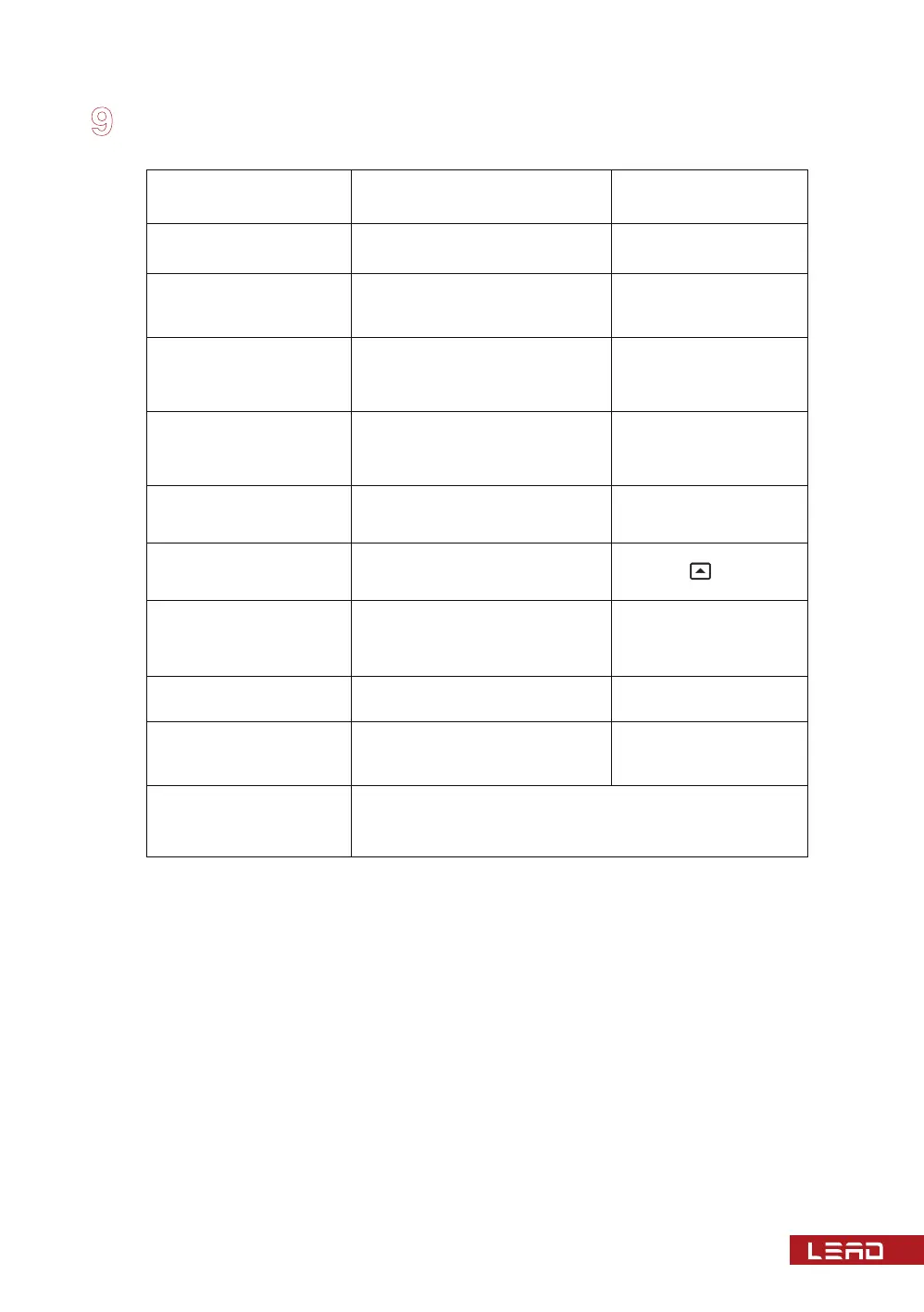
Fault Symptoms Potential causes Remedies
Display not light after
power on
Power line not connected prop-
erly or low voltage
Check for input power
“-OP-”blinks in X-phase
1. Sensor plug is loose or in
poor contact
2. Sensor is broken
1. Have the Sensor plug
joint screw tightened
2. Replace the sensor
“-OH-”blinks in X-phase
Temperature out of upper limit
of measurement or sensor
measuring loop has a higher
contact resistance
Eliminate wire contact
resistance
“-OL-”blinks in X-phase
Temperature out of lower limit
of measurement or sensor
measuring loop is short-cir-
cuited
Check the measuring
line of sensor
“-Er-” blinks in the
temperature controller
Internal setting parameter is
changed or internal fault of
temperature controller
Contact the manufac-
turer at once
Fan runs of itself before
starting temperature is
reached
1. Under manual start mode
2. Timed start/stop function of
fan goes into effect
Failure to turn off the fan
manually after manual
start of fan
Then the measured tempera-
ture value is just between the
positive and negative backlash
values of fan
Normal state
Deviation in the display of
three-phase temperature
Difference in fixation depth of
thermo-resistor
Adjust fixed thermal
resistance
Regular display of
temperature value in
X-phase
In the maximum value display
mode
Not knowing what to do
next after going into
some operation status
Keep pressing SET key to withdraw from the function
operation mode and return to normal display mode
Switch to the circular
display mode
1. Turn off the fan by
pressing key
2. Normal state
Fault handling
20


 To Next Page