_
......
Table 4-3
Range
Voltmeter
v
mV
Scale
100
100V
100mV
0-1
30
30V
30mV
0-3
10
10V
10mV
0-1
3
3V
3mV
0-3
1
1V
1mV
0-1
0.3
0.3V
0.3mV
0-3
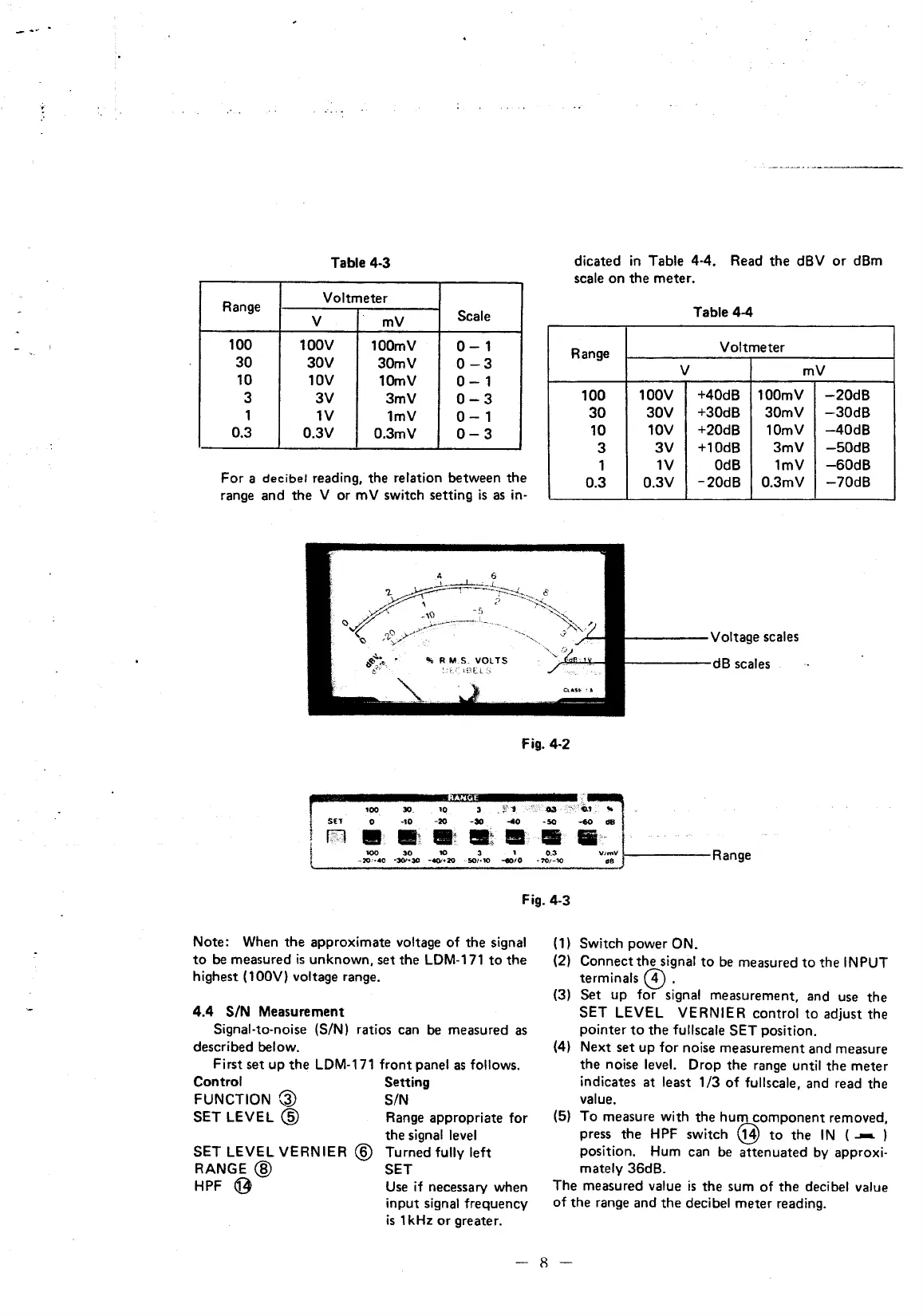
For a
decibel
reading, the relation between the
range and the V or m V switch setting
is
as
in·
dicated
in
Table 4-4. Read the dBV
or
dBm
scale on the meter.
Range
100
30
10
3
1
0.3
Table 4-4
Voltmeter
v
mV
100V
+40dB 100mV
30V
+30dB 30mV
10V +20dB 10mV
3V +10dB 3mV
1V
OdB
1mV
0.3V
-20dB
0.3mV
r-----
Voltage scales
r-----dB
scales
-20dB
-30dB
-40dB
-50
dB
-60dB
-70dB
Fig. 4·2
lOO 30_
10
3 .
Ji
1
-->-<-
·03
-:"
o
-10,
-20
-30
--co
-so ....o
dB
...
-~
.;
.. ,
Fig. 4-3
Note: When the approximate voltage
of
the signal
to
be
measured
is
unknown, set the
LDM-171
to
the
highest
(100V) voltage range.
4.4
S/N Measurement
Signal-to-noise (S/N) ratios can
be
measured
as
described below.
First set up
the
LDM-171
front panel
as
follows.
Control Setting
FUNCTION
G)
S/N
SET
LEVEL @ Range appropriate for
SET LEVEL VERNIER @
RANGE@
HPF
9
the signal
level
Turned fully left
SET
Use
if necessary when
input signal frequency
is
1kHz
or
greater.
(1)
Switch power ON.
(2) Connect the signal
to
be
measured
to
the
IN
PUT
terminals @ .
(3) Set up for signal measurement, and use the
SET LEVEL VERNIER control to adjust the
pointer
to
the fullscale SET position.
(4) Next set up for noise measurement and measure
the noise
level. Drop the range until the meter
indicates
at
least
1/3
of
fullscale, and read the
value.
(5)
To
measure with the hum component removed,
press the
HPF
switch @
to
the
IN
(
....-.
)
position. Hum can
be
attenuated by approxi·
mately 36dB.
The measured value
is
the sum
of
the decibel value
of
the range and the decibel meter reading.
-
8-



 To Next Page