8
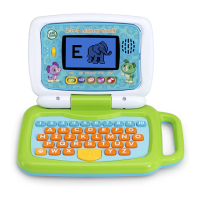
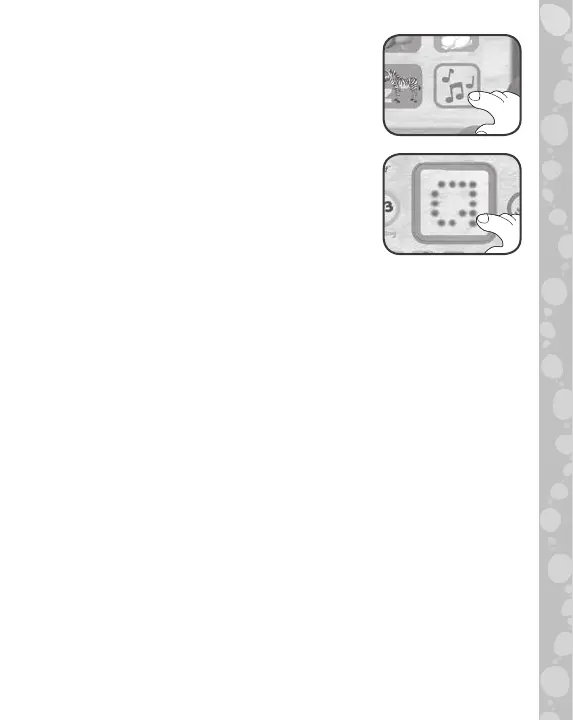
8. Music Button
Press to hear delightful letter, counting
and nature songs.
9. LED Button
Watch the LED screen to see letter
and number animations. Press the LED
Button to play letter audio or to repeat
questions during games and activities.
10. Automatic Shut-Off
To preserve battery life, the unit will go to sleep mode after
approximately 60 seconds without input. The unit can be
turned on again by touching the LED Button or by turning
the On/Off/Volume Selector off and then back on again.
ACTIVITIES
1. Letter Name Game
Listen to the letter name, then press the correct Letter
Button. See how many questions you can answer correctly
before time runs out.
2. Letter Sounds Game
Listen to the letter sound, then press the correct Letter
Button to fill in the “Sound-o-Meter.”


 To Next Page
 Loading...