EasyManua.ls Logo

Lectronix T7000 - User Manual

Default Icon
27 pages
Print Icon
To Next Page IconTo Next Page
Loading...
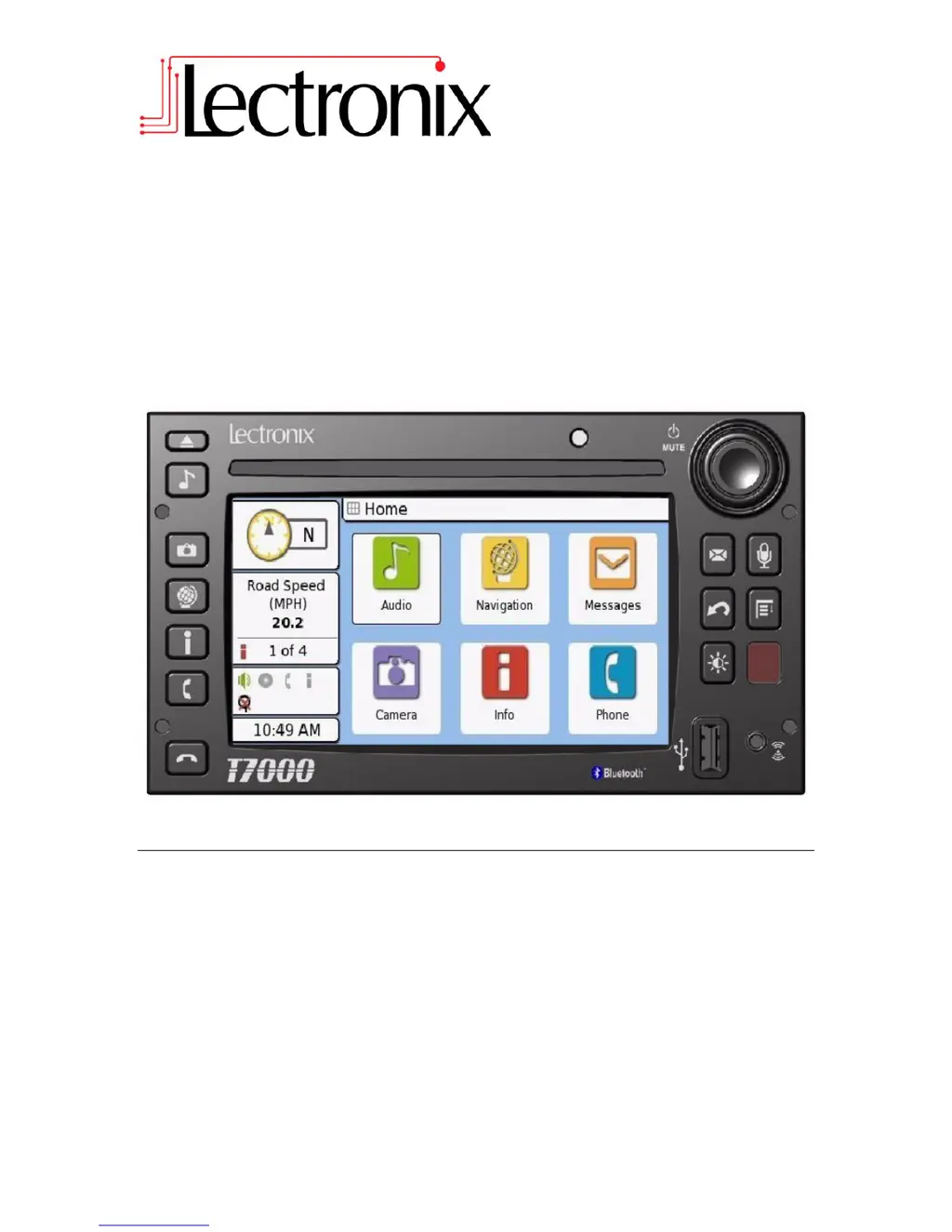
T7000
Installation Instructions
Read these instructions carefully before installing this product and keep this manual for
future reference.

Questions and Answers

Summary

Important Safety Information

Safety Information

Explains symbols used in the manual for warnings and cautions.

Warnings

Lists critical warnings regarding driver distraction, power supply, and unit operation.

Cautions

Provides cautions for laser product use and handling of the LCD touch screen.

Overview

Unit Mounting

Steps for mounting the T7000 unit into a vehicle's dash.

Camera Installation and Mounting

Camera Compatibility and Mounting Locations

Overview of supported cameras and general mounting considerations.

Side Camera Mounting

Guidance for selecting locations and mounting side cameras.

Rear Camera Mounting

Recommendations for mounting the rear camera on the vehicle.

Flir Forward-Looking Camera

Recommended mounting positions for the Flir™ camera.

Direct Mounted Side Camera Installation

Details on mounting Sony side cameras, including parts and hole dimensions.

Bracket Mounted Side Camera Installation

Information on fabricating and using brackets for side camera mounting.

Rear Camera Mounting Details

Specifics on drilling holes and securing the rear camera bracket.

Camera Cable Routing

Guidance for routing camera extension cables within the vehicle.

GPS and Satellite Antenna Installation

Microphone Mounting and Cable Routing

TPMS Antenna Installation

System Connection and Testing

Troubleshooting System Issues

Lectronix T7000 Specifications

General IconGeneral
BrandLectronix
ModelT7000
CategoryCar Navigation system
LanguageEnglish