4
Plug it in
Unpack the LectroFan. The package contains:
• LectroFan Unit
• AC Power Adapter
Connect AC Power.
1. Plug the USB cable* from the LectroFan into the Power Adapter.
2. Plug the Power Adapter into an AC wall outlet.
3. Unit turns on. It comes on right away, but you can change that.
(See: Power-on Default.)
* The USB cable can also be plugged into a PC or LAPTOP to power the
unit. LectroFan does not support USB audio; the USB cable is only used to
provide power the unit.
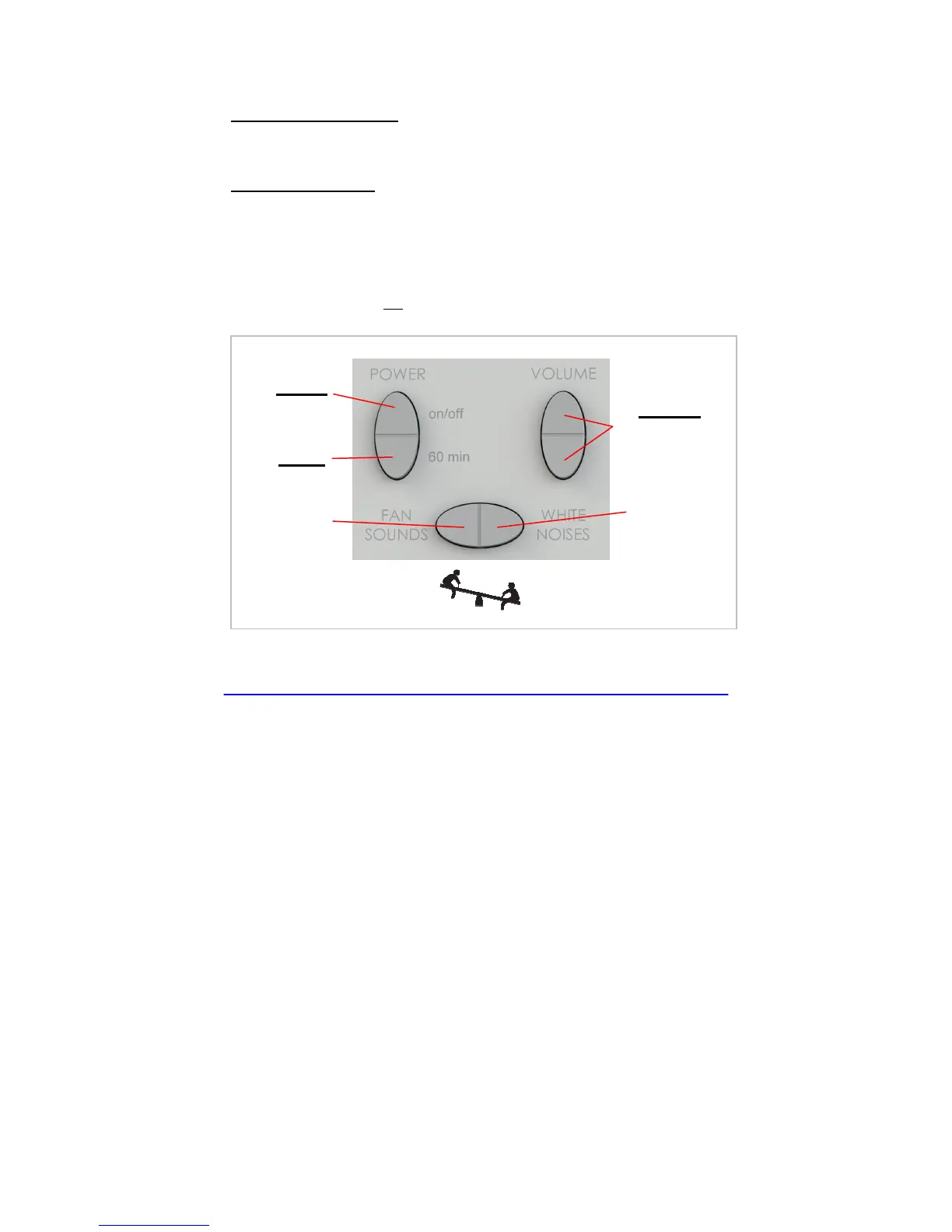
On/Off
Up & Down
60 minutes
Fan
Noise
These switches rock.


 To Next Page