5. Select the checkmark (✓) and press both buttons to confirm the PIN code. Use the
backspace icon to erase a digit.
6. Confirm your PIN code by entering it once more.
Security tips
✓ Choose your own PIN code. This code unlocks your device.
✓ An 8-digit PIN code offers an optimal level of security.
✓ Never use a device supplied with a PIN code and/or a recovery phrase.
✓ Contact Ledger Support in case of doubt.
2.1.3 Writing down your recovery phrase
Your 24-word recovery phrase will now be displayed word by word on the Ledger Nano S Plus
screen. The recovery phrase is the only backup of your private keys. It will be displayed only
once.
1. Take a blank Recovery sheet supplied in the box.
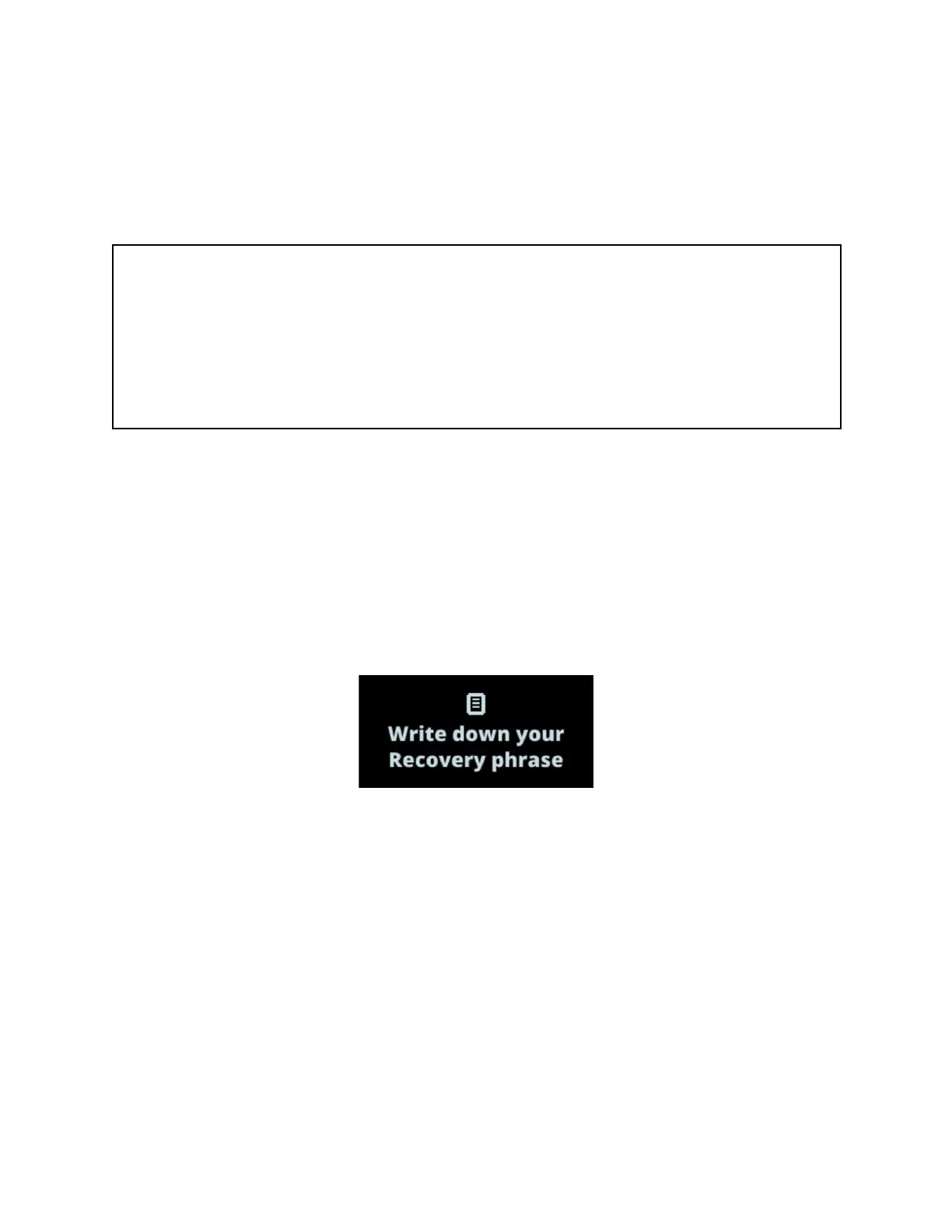
2. Press both buttons when Write down your recovery phrase is displayed.
3. Press the right button to navigate through the on-screen instructions. Then press both
buttons to continue.
4. Write down the first word (Write word #1) on the Recovery sheet. Verify that you have
copied it correctly in position 1.
5. Press the right button to move to the second word (Write word #2). Write it in position 2
on the Recovery sheet. Verify that you've copied it correctly. Repeat the process until the
twenty-fourth word (Write word #24).
6. (optional) To verify your 24 words, press the left button.
7. Press both buttons to Confirm your recovery phrase.
8. Select the requested word by navigating with the left or right button. Validate the word by
pressing both buttons. Repeat this step for each requested word.



 To Next Page