Instructions
Ledger Live features interactive setup instructions. Simply open the app to get started.
2.2.1 Restoring from recovery phrase
1. Connect the Ledger Nano S Plus to your computer using the supplied USBC
cable. Your device should display the following: “Welcome to Ledger Nano S Plus.
Press right button to continue.”
Note: Please contact us if the device immediately asks for a PIN code. It may not
be safe to continue using this device.
2. Press the right button to navigate through the on-screen instructions.
3. Press both buttons simultaneously to choose the option Restore from recovery
phrase.
2.2.2 Choosing your PIN code
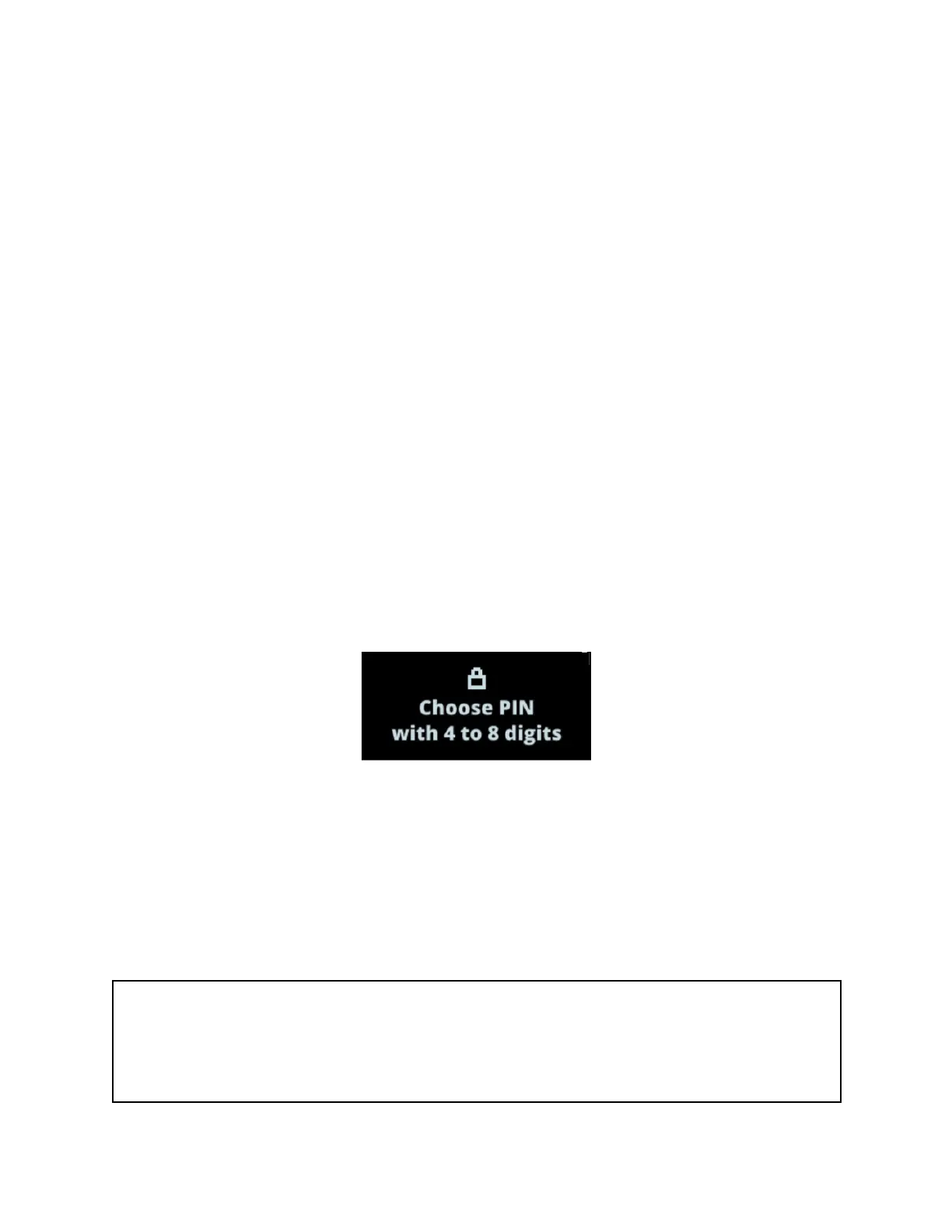
1. Press both buttons when Choose PIN with 4 to 8 digits is displayed on the device.
2. Press the right or left button to choose the first digit of your PIN code.
3. Press both buttons to enter a digit.
4. Repeat the process until you've entered 4 to 8 digits.
5. Select the checkmark (✓) and press both buttons to confirm the PIN code. Use the
backspace icon to erase a digit.
6. Confirm your PIN code by entering it once more.
Security tips
✓ Choose your own PIN code. This code unlocks your device.
✓ An 8-digit PIN code offers an optimal level of security.



 To Next Page