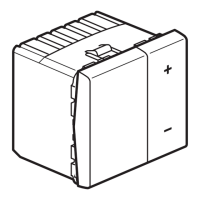
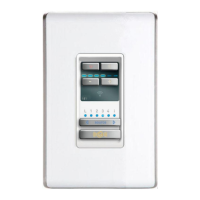
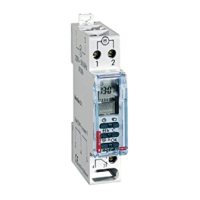
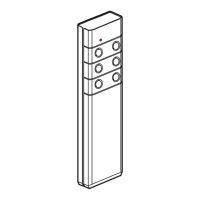
Step 1: on the remote control: open the scenario
Press
LEARN
Press
LEARN
Press
LEARN
Step 2: modify the state of a scenario receiver
Step 3: save the scenario on the remote control
Press the control button
that pilots the scenario
To delete the product from the scenario,
go to Step 3
The indicator lights of all the products go out
(remote control and receivers).
The scenario has been saved.
Press
LEARN
The indicator lights of all the scenario
products blink
Press the control button that you
want to link
or
036 60/71


 To Next Page
 Loading...