Group 7 Data/Programming Page 185
Release R2.0 LEIBINGER JET3
The graphic editor dialog box can be opened with the option <Editor> (2) and
selection afterwards of the option <Graphic-Editor> (3) in the faded in subdialog
box.
With the buttons in the menu bar (5) you can select the accordant submenus of the
graphic editor. The following submenus are available:
With the input field <Graphic> (6) you can create a graphic.
In the display <Coordinates> (7) the current or the last cursor position is displayed.
In the display <Activities to carry out> (8) the input (activity) which is expected
next from the operator is displayed.
The button <OK> (9) closes the dialog box. If the inputs have been not saved yet,
a safety query is faded in.
With the button <Cancel> (10) the graphic editor will be closed without a further
safety query and without memory.
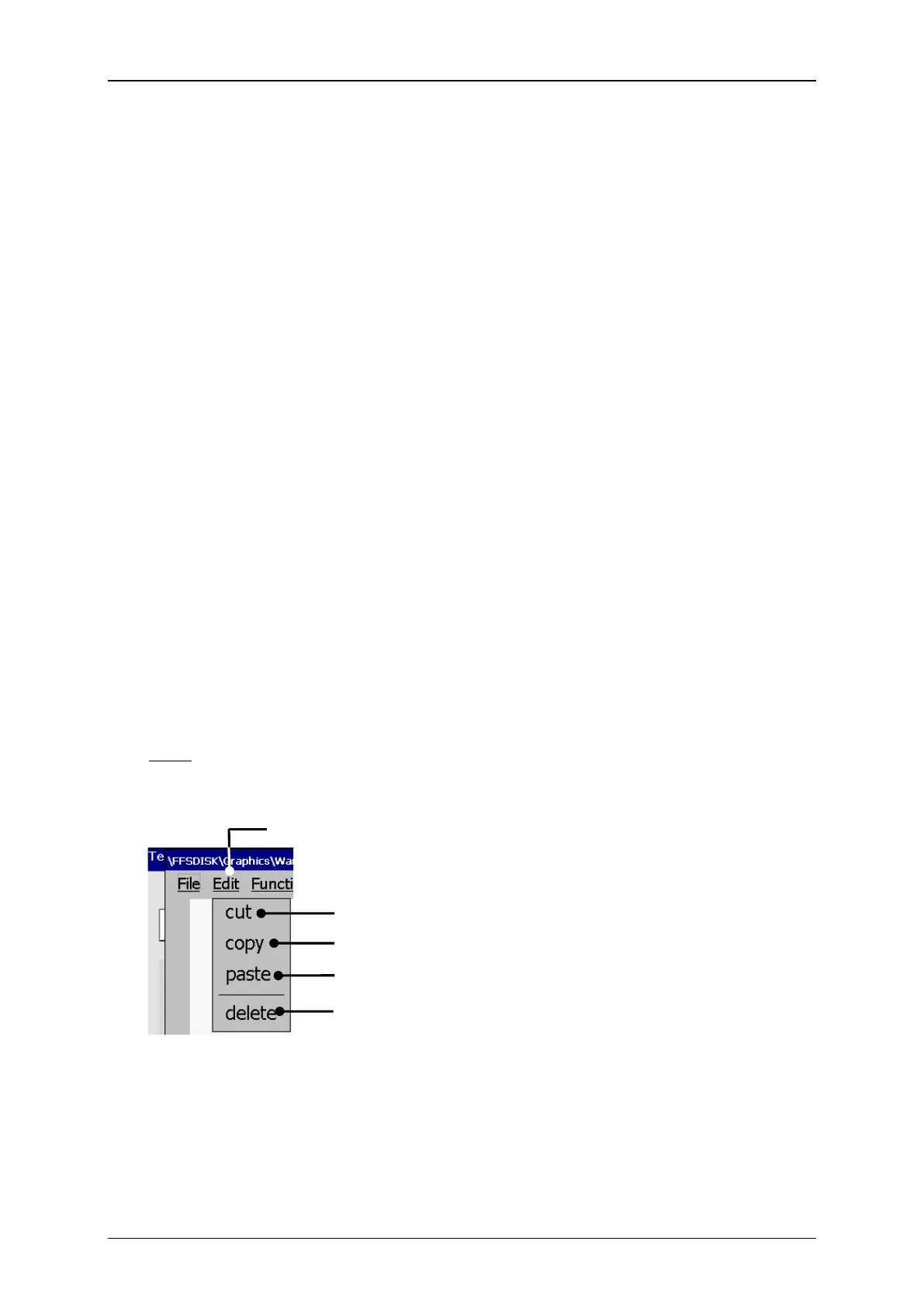
With the button <Edit> you can select the edit tools.
Note: The function of the tools corresponds to the Windows™-functions.
Graphic editor (Edit tools)



 To Next Page