Group 7 Data/Programming Page 191
Release R2.0 LEIBINGER JET3
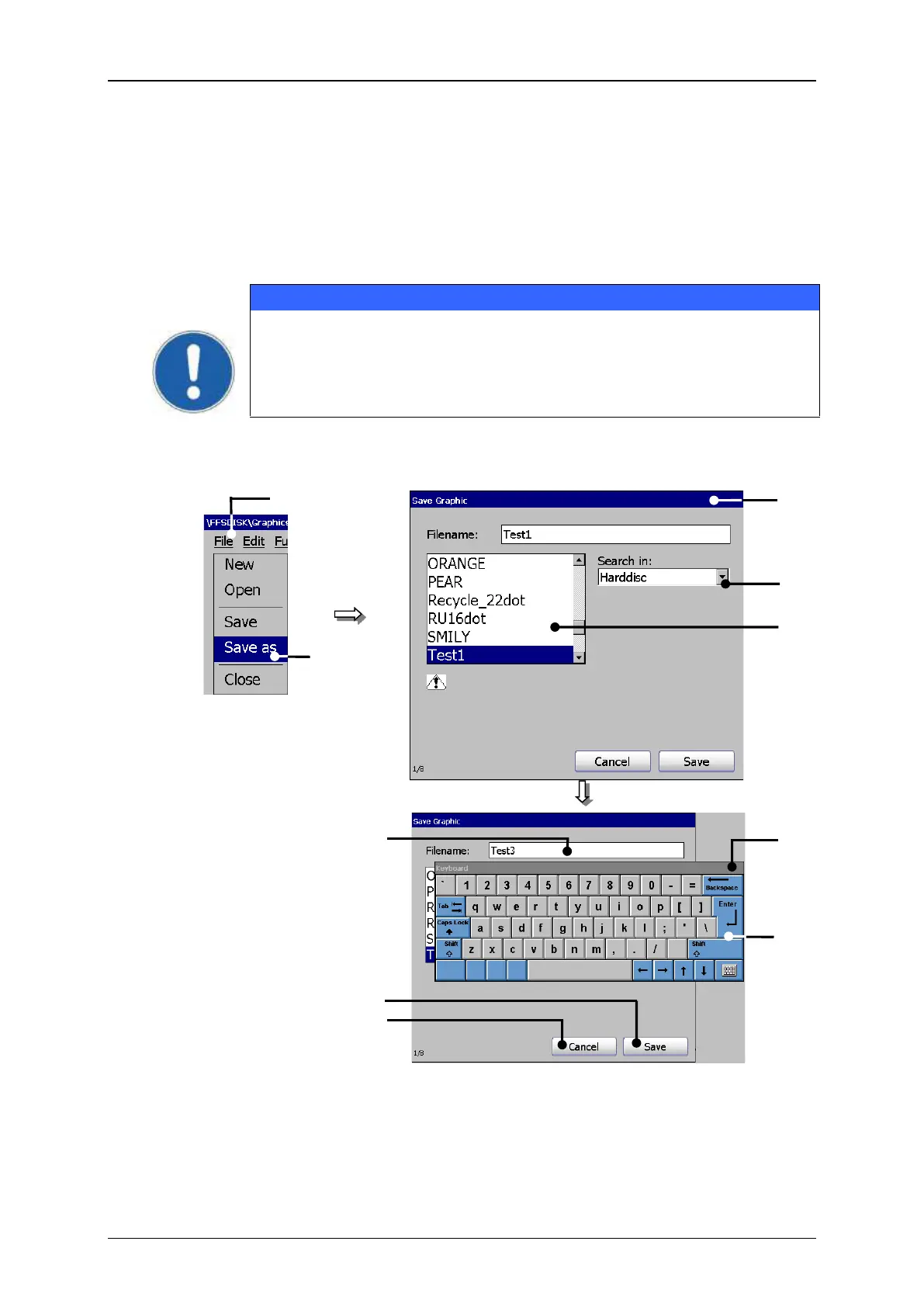
7.5.5.6 Save graphic/Save graphic as
With the option <Save> an open graphic is saved under the current name. The
existing data will be overwritten.
With the option <Save as> you can save the current opened or new created graphic
under a new name.
Note! If the graphic is saved with the option <Save> or under an
existing filename, no safety query is generated. The existing data will
be overwritten.
Graphic editor (Save file dialog)
3 – Window <Save graphic>
4 – Selection field <Graphic list>



 To Next Page