Group 8 Job editor Page 253
Release R2.0 LEIBINGER JET3
8.5.1.9 Sensor monitoring
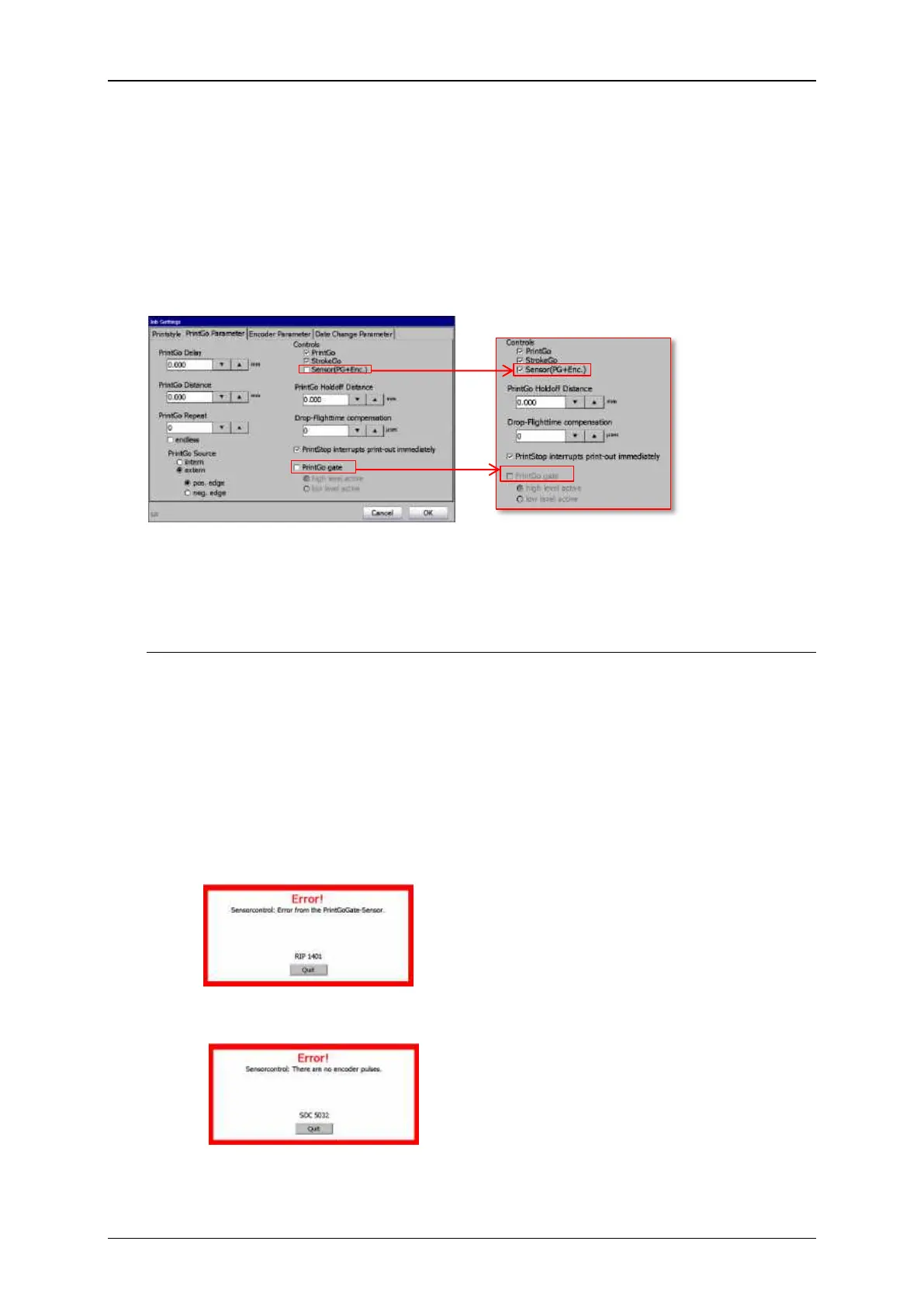
With this function the print-out control of the PrintGo sensor is complemented with
a second sensor. The first sensor delivers the PrintGo signal and the signals of the
second sensor are used for double-check. The two signals haven’t to be present
exactly at the same time, but they have to overlap at any rate. The settings for the
monitoring through a second sensor are entered in the dialog box <Job Settings>
on the tab <PrintGo Parameter>.
The second sensor is connected to the PrintGoGate input of the JET3 printer. The
PrintGoGate function is not available if a second sensor is used for the PrintGo
monitoring.
With the sensor monitoring activated two further functions will be monitored:
Monitoring of the StrokeGo signals. These are the signals of a connected encoder.
Monitoring of the ready for printing status. If there are received PrintGo signals,
StrokeGo signals (encoder signals) or signals from the second sensor it will be
verified whether the printer is ready for printing.
With activated sensor monitoring (Sensor (PG+Enc.)) each of the following cases
will cause an error message. Figure 138 shows the the timing diagrams.
1. Either the PrintGo sensor signal, the signal of the additional sensor or both are
missing or have the wrong timing.
2. There are no encoder signals detected while the printer is ready for printing
and PrintGo signals are received as well as signals from the additional sensor.



 To Next Page