Group 8 Job editor Page 303
Release R2.0 LEIBINGER JET3
Carry out the inputs („002“ and „003“) accordingly for the further shift codes.
Press the button <OK> (15) to take over the input and to close the dialog box
or press the button <Cancel> (14) to leave the dialog box without saving the
inputs to take over the input and to close the dialog box.
In the dialog box <Jobeditor> (16) the fix text followed by the applied shift code
are displayed.
Note: Displayed is the shift code which is currently valid ( as in the example the
night shift „003“).
8.7.4.3 Remove shift times
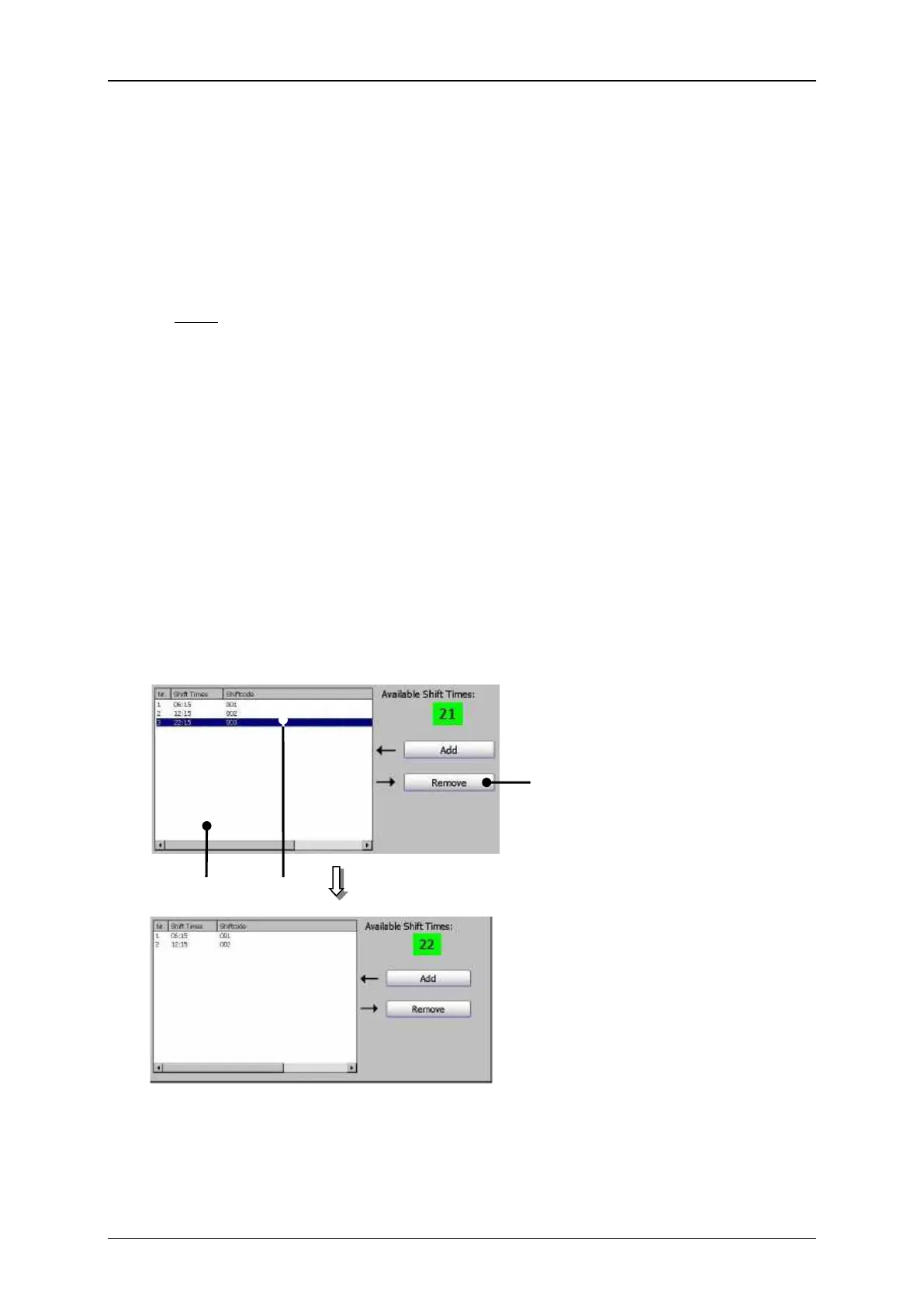
Shift times that are no longer needed can be removed.
Mark the shift time to be deleted (1) in the management window (2).
Press the button <Remove> (3). The shift time is deleted.
Print elements (Shift code remove)



 To Next Page