Group 8 Table of contents Page 311
Release R2.0 JET3
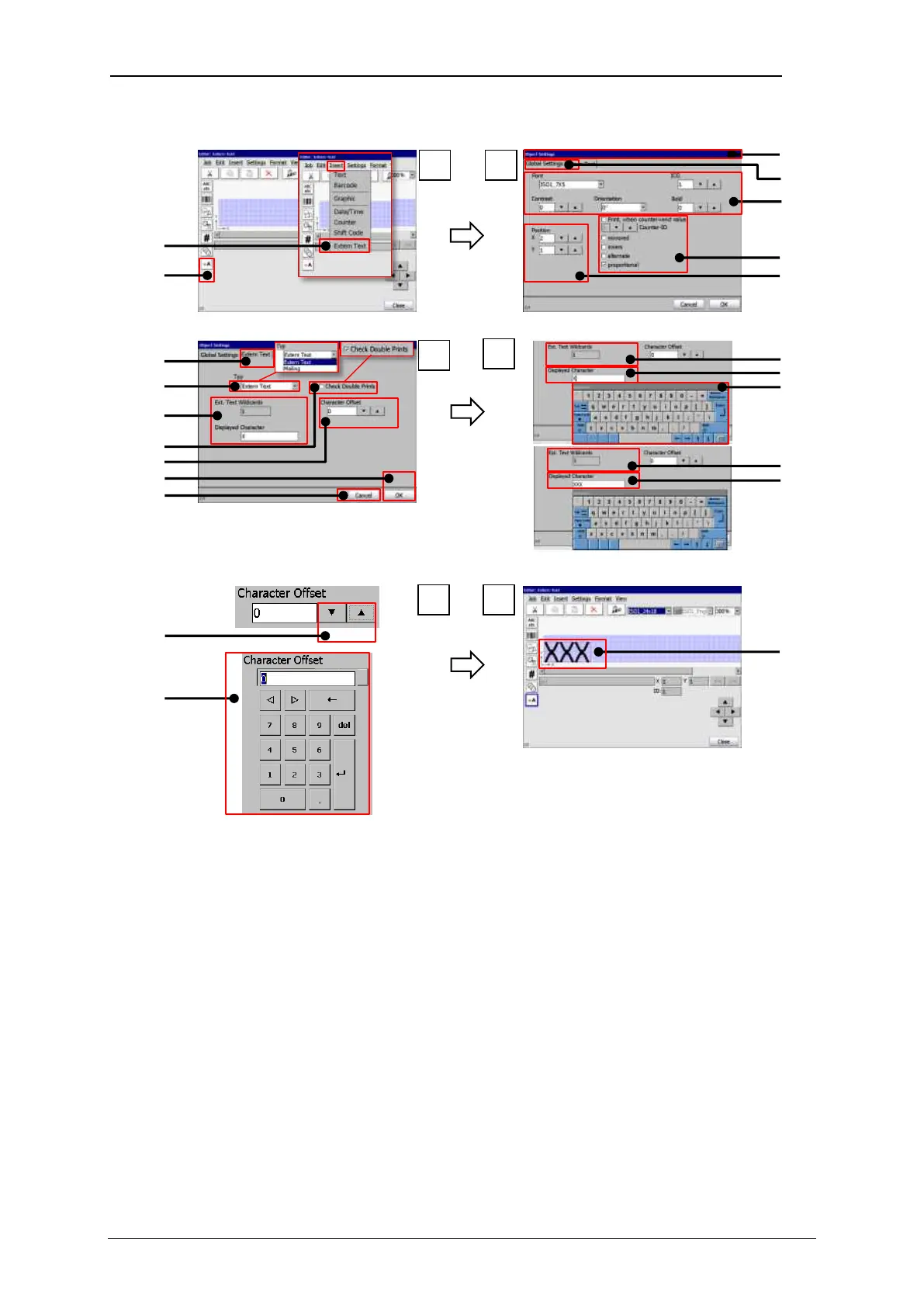
Extern Text fixed length – Object settings
1 – Menu item <Extern Text>
12 – Offset indicator/setting
2 – Direct button <Extern Text>
3 – Dialog box <Object settings>
4 – Tab <Global settings>
15 – Indicator <Wildcards> 1 Wildcard
16 – Input <Wildcards>3 Wildcards
7 – Position indicator/setting
18 – Indicator <Wildcards> 3 Wildcards
9 – Drop-down list <Type>
20 – Offset setting with arrow keys
10 – Settings <Wildcards>
21 – Offset setting with numeric keypad
11 – Checkbox <Double Prints>
22 – Extern Text object in the job editor



 To Next Page