Group 8 Job editor Page 314
Release R2.0 LEIBINGER JET3
The external data can be sent with any terminal software like e.g. Hyperterminal.
You have to make sure that the serial interface parameters of the terminal software
correspond with the parameters of the JET3 interface.
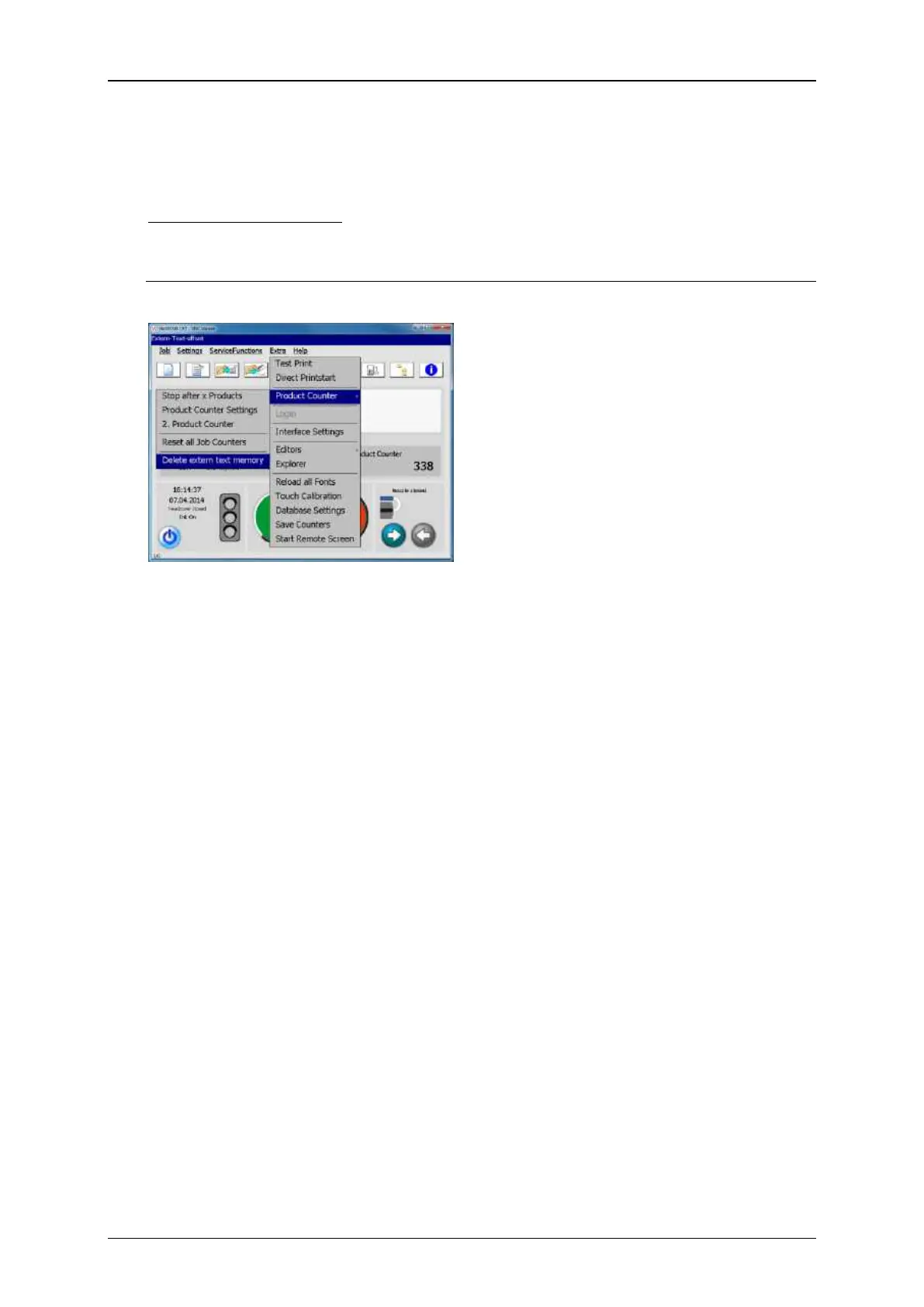
Deleting the input buffer
The current content of the input buffer can be deleted at any time. For this you can
use the respective option in the Drop-down menu <Extra>:
<Extra>-<Production counter>-<ExternText Delete extern text memory>
Deleting the input buffer
After the input buffer was deleted it has
to be filled up again completely with data.
Only then the data will be transferred to
the display buffer in order to be printed.



 To Next Page