Group 8 Table of contents Page 324
Release R2.0 JET3
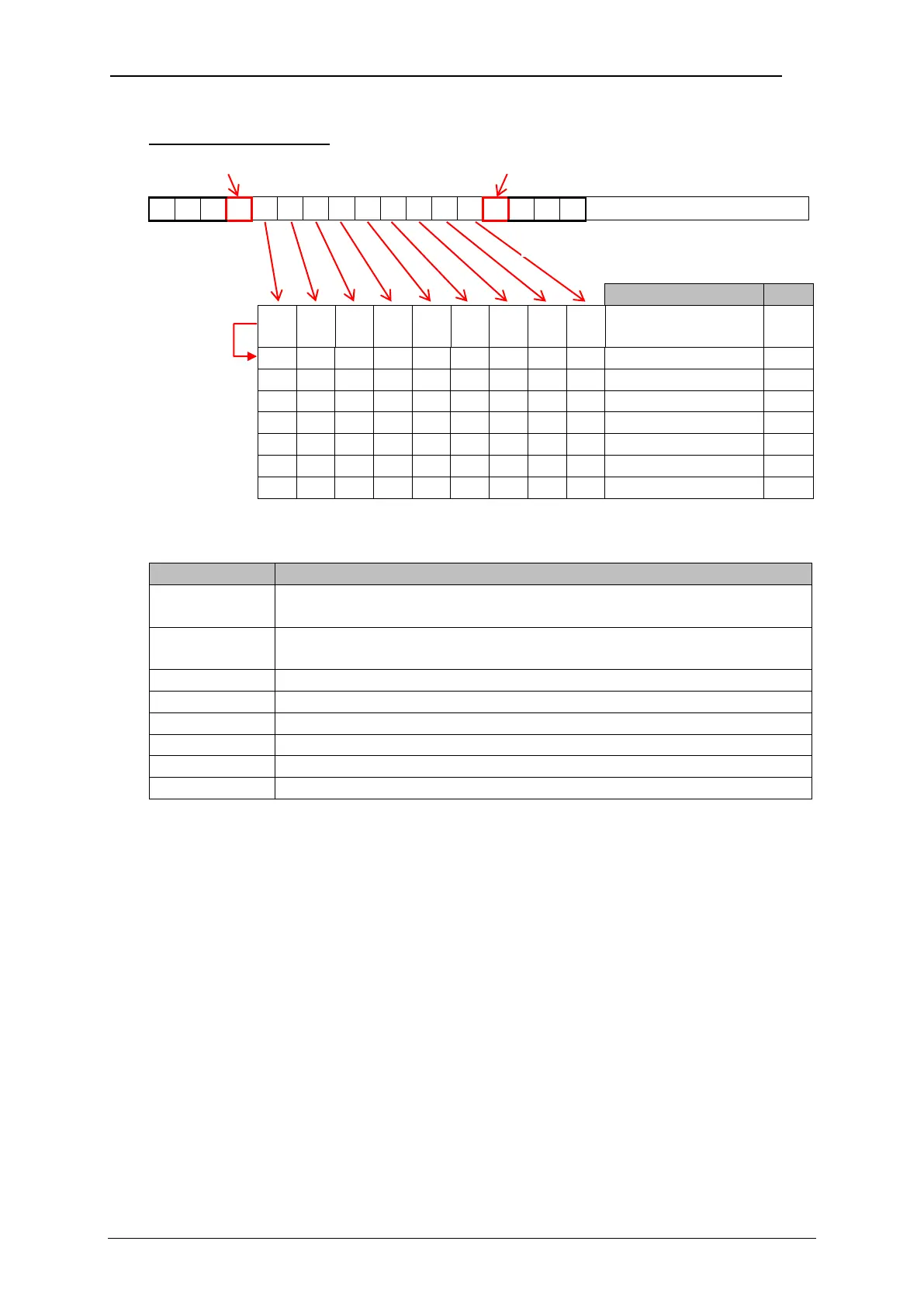
Received character string
Input buffer/Size:
9 characters
The following table shows the explanations for each step and setting.
The filling of the input buffer starts with the receiving of the
<Start symbol> G.
As soon as the <End symbol> S is received the data stored in
the input buffer is transferred to the display buffer.
Settings for object 1: 2 Offset and 7 wildcards X.
WYSIWYG display content and printout of object 1.
Settings for object 2: 1 Offset and 5 wildcards Y.
WYSIWYG display content and printout of object 2.
Settings for object 3: 6 Offset and 3 wildcards Z.
WYSIWYG display content and printout of object 3.
Data transfer
after the <Stop
symbol> was
received



 To Next Page