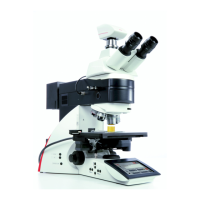
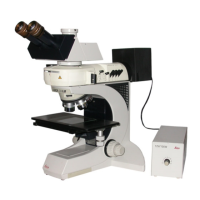
Guide for Fluorescence Imaging
1. Initial Set-up
~ Log in to NUCore and start a reservation.
~ Turn on Microscope Controller (A).
~ Turn on LED main power (B) and press control knob (C) to see a flashing
sign.
~ Wait the microscope initialization to complete and launch LASX
software. (Computer has no password).
~ Put slide on scope and set up image acquisition.
2. Mount sample on microscope
~ Place slide on stage ‘coverslip up’.
~ For transmitted light imaging:
Select BF button (D) and press TL-Shutter (F) on LED screen. Focus
on sample.
~ For fluorescent light imaging:
Select FLUO (E), then appropriate filter cube from buttons on LED
screen (DAP – Blue, L5 – Green, RHO – Red, Y5 – Far Red), open IL-
Shutter (F). Focus on sample.
~ Find cell/region of interest. Close shutter.
NOTE: To switch light path from oculars to camera gently pull out slider
bar located in microscope head near oculars on the left side.
3. Troubleshooting
~ No fluorescent emission by eye?
-
Check the LED is ON. Control knob should show
-
Check that light path is going to the oculars. The slider bar microscope head should be inside.
~ No image displayed on a screen in LIVE mode?
-
Check that light path is going to the camera. The slider bar microscope head should be taken out.
~ Still having problems?
-
Contact BIF staff for assistance.
Quick Start Guide

 Need help?
 General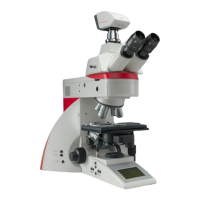

 To Next Page