EasyManua.ls Logo

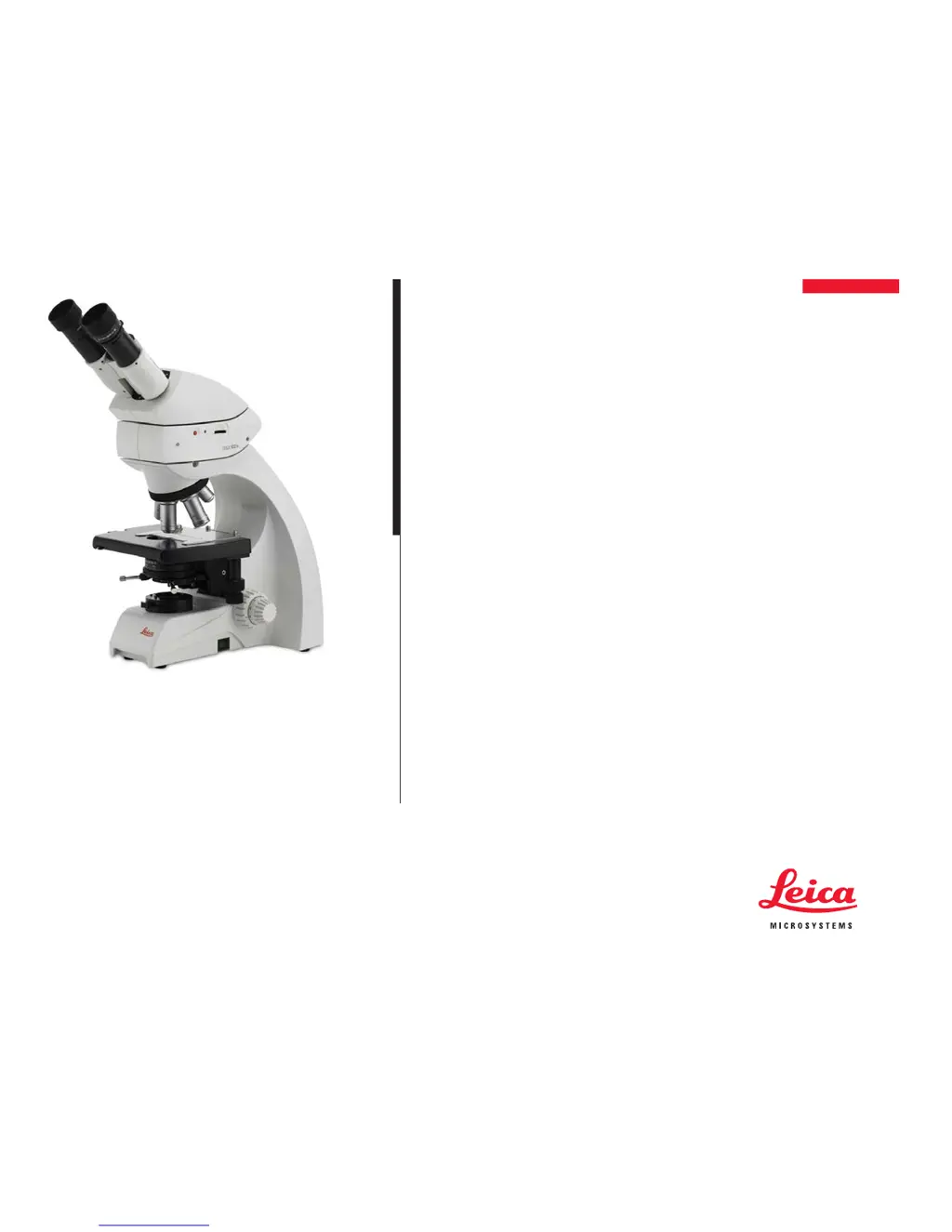
Leica DM750 - User Manual

Leica DM750
54 pages
Print Icon
To Next Page IconTo Next Page
Loading...
Leica DM750
User Manual

Other manuals for Leica DM750

Questions and Answers

  • T
    Taylor HenryAug 17, 2025
    Why can't I bring the specimen into focus on my Leica DM750?
    • J
      Joshua MaldonadoAug 17, 2025
      If you're having trouble focusing the specimen on your Leica Microscope, consider the following: * Use the correct immersion medium. * Ensure the specimen is placed with the cover glass facing up. * Verify that the cover slip thickness is correct and meets the specifications for the objective.
  • S
    Sean HubbardAug 20, 2025
    What to do if my Leica DM750 does not respond?
    • W
      Warren HessAug 20, 2025
      If your Leica Microscope isn't responding, there are several things to check: * Ensure the socket has voltage. * Check the cable connections. * Make sure the stand is connected to the power supply. * Inspect the fuse and replace it if defective.
  • B
    Benjamin GutierrezAug 22, 2025
    What to do if I have unwanted stray light in my Leica Microscope?
    • R
      Robert SmithAug 22, 2025
      If you're experiencing unwanted stray light in your Leica Microscope, clean the specimen and neighboring lens surfaces.
  • M
    Marie ZamoraAug 26, 2025
    Why is no definite DF contrast possible on my Leica Microscope?
    • A
      Allison PerezAug 26, 2025
      If you're unable to achieve a definite DF contrast on your Leica Microscope, consider these points: * Confirm that you are using a DF objective. * Check the objective aperture; it should be a maximum of 0.75/1.10. Reduce the aperture through the iris diaphragm on the objective if necessary. * Check the condenser centering. * Ensure the aperture diaphragm is fully open.
  • R
    robert01Aug 28, 2025
    How to fix a Leica Microscope image that is not uniformly illuminated?
    • M
      mirandajosephAug 28, 2025
      If the image on your Leica Microscope is not uniformly illuminated, the objective magnification might be too weak. Try using a higher magnification.
  • M
    maria92Aug 31, 2025
    Why can't I adjust phase contrast on my Leica DM750?
    • N
      Nancy OconnorAug 31, 2025
      If you can't adjust the phase contrast on your Leica Microscope, it might be due to several reasons: * The specimen could be too thick, too thin, or too brightly stained. * The refractive indexes of the mounting medium and specimen might be identical. * The cover glass might not be placed uniformly. Also, check that the correct light ring is positioned and centered, ensure the condenser is centered, and fully open the aperture diaphragm.
  • D
    Debra SmithSep 2, 2025
    Why is the image not uniformly illuminated on my Leica DM750 Microscope?
    • S
      Sharon NashSep 2, 2025
      To resolve a non-uniformly illuminated image on your Leica Microscope, use a higher objective magnification. The current objective magnification may be too weak.
  • E
    Edward DominguezSep 5, 2025
    What to do if the stage positioning range decreases on my Leica DM750 Microscope?
    • C
      Christine JohnstonSep 5, 2025
      If you find that the positioning range of the stage in the x-direction decreases after working a long time with your Leica Microscope, move the mechanical stage with coaxial drive all the way to the left. Manually press the screw that holds the mechanical stage even farther to the left, as far as it will go. Then move the mechanical stage with coaxial drive all the way to the right and manually press the screw that holds the mechanical stage even farther to the right, as far as it will go.
  • A
    Alexa RochaSep 8, 2025
    How to adjust polarization contrast on Leica DM750 Microscope?
    • A
      Amanda SmithSep 8, 2025
      If you're unable to adjust polarization contrast on your Leica Microscope, bring the polarizer and analyzer into cross position until they reach maximum darkness, without a specimen.
  • M
    mcervantesSep 12, 2025
    How to get rid of unwanted stray light in Leica Microscope?
    • A
      Allison BowenSep 12, 2025
      To eliminate unwanted stray light in your Leica Microscope, clean the specimen and neighboring lens surfaces.

Summary

Safety Regulations

Safety Concept

Explains the importance of reading user manuals and safety instructions for safe operation of the microscope.

Instructions on Use

Provides guidelines for proper installation, placement, and usage to avoid potential hazards.

Health Risks and Dangers of Use

Discusses ergonomic risks, infection transmission via eyepieces, and eye damage from illumination.

Information for Person Responsible for Instrument

Outlines responsibilities for ensuring safe operation, maintenance, and qualified personnel.

Ready!

Set!

Complete Condenser Centering

Details the procedure for accurately centering the condenser for optimal illumination.

Focusing

Explains the steps for bringing the specimen into sharp focus using coarse and fine adjustment knobs.

Koehler Configuration

Describes how to set up the Koehler illumination system for optimal contrast and illumination.

Oil Immersion Technique

Provides detailed steps for using immersion oil with high-magnification objectives.

Care of the Microscope

Troubleshooting

Troubleshooting

Provides solutions for common issues with the microscope stand, focus, illumination, and image quality.

Leica DM750 Specifications

General IconGeneral
CategoryMicroscope
IlluminationLED
FocusCoaxial coarse and fine focus knobs
Eyepiece10x
CondenserAbbe condenser with iris diaphragm
Magnification40x to 1000x
Power SupplyAC adapter
Objective Lenses4x, 10x, 40x, 100x
Objectives4x, 10x, 40x, 100x

Related product manuals