Introduction
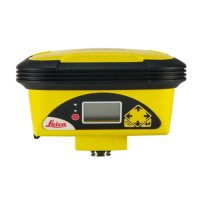
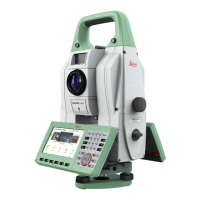
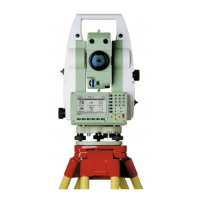
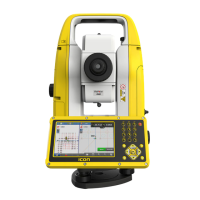
Congratulations on the purchase of the Leica iCB50/iCB70.
This manual contains important safety directions as well as instructions for
setting up the product and operating it. Refer to "1 Safety Directions" for fur-
ther information.
Read carefully through the User Manual before you switch on the product.
The content of this document is subject to change without prior notice. Ensure
that the product is used in accordance with the latest version of this docu-
ment.
Updated versions are available for download at the following Internet address:
https://myworld.leica-geosystems.com > myDownloads.
The model and serial number of your product are indicated on the type plate.
Always refer to this information when you need to contact your agency or
Leica Geosystems authorised service centre.
•
Windows is a registered trademark of Microsoft Corporation in the United
States and other countries
•
Bluetooth
®
is a registered trademark of Bluetooth SIG, Inc.
All other trademarks are the property of their respective owners.
This manual applies to all iCB50/iCB70 instruments. Where there are differ-
ences between the various models they are clearly described.
Name Description/Format
iCB50/70
Quick Guide
Provides an overview of the product together
with technical data and safety directions. Inten-
ded as a quick reference guide.
ü ü
iCB50/70
User Manual
All instructions required in order to operate the
product to a basic level are contained in the User
Manual. Provides an overview of the product
together with technical data and safety direc-
tions.
-
ü
iCON build
How-To
Guide
Overall comprehensive guide to the product and
application functions. Included are detailed
descriptions of special software/hardware set-
tings and software/hardware functions intended
for technical specialists.
-
ü
Refer to the following resources for all iCB50/70 documentation/soft-
ware:
•
the supplied data storage device
•
https://myworld.leica-geosystems.com
Purchase
☞
Product identication
Trademarks
Validity of this
manual
Available documenta-
tion
2


 To Next Page