139
Quick guide
PREPARATIONS
1. Charge the battery (see p. 141)
2. Insert the battery (see p. 144)
3. Insert the memory card (see p. 146)
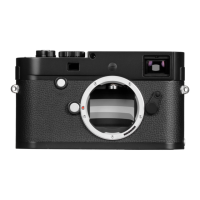
4. Turn on the camera (see p. 150)
5. Set the menu language (see p. 158)
6. Set the date and time (see p. 158)
7. Format the memory card, if necessary (see p. 220)
TAKING PHOTOGRAPHS
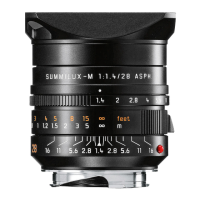
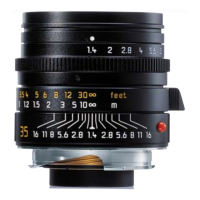
8. Attach the lens (see p. 149)
9. Set the shutter speed dial to A (see p. 153)
10. Set the subject focus (see p. 178)
11. Turn on the camera (see p. 150)
12. Turn on exposure metering (see p. 151)
13. Correct the exposure, if necessary (see p. 186)
14. Release the shutter (see p. 151)
Note:
For details of how to shoot videos, see p. 198.
VIEWING PICTURES
The camera is preset to display the last picture automatically for a
short time (see p. 206).
You can turn on review mode (for an unlimited period) at any time
using the
PLAY button (see p. 206).
To view different pictures, press left or right on the direction pad
(see p. 212).
To enlarge the picture turn the setting dial to the right (see p.
213).
DELETING PICTURES
Press the DELETE button and follow the instructions in the monitor
(see p. 214).



 To Next Page