EN
150
Camera operation
THE MOST IMPORTANT SETTINGS / CONTROLS
TURNING THE CAMERA ON AND OFF
16 17
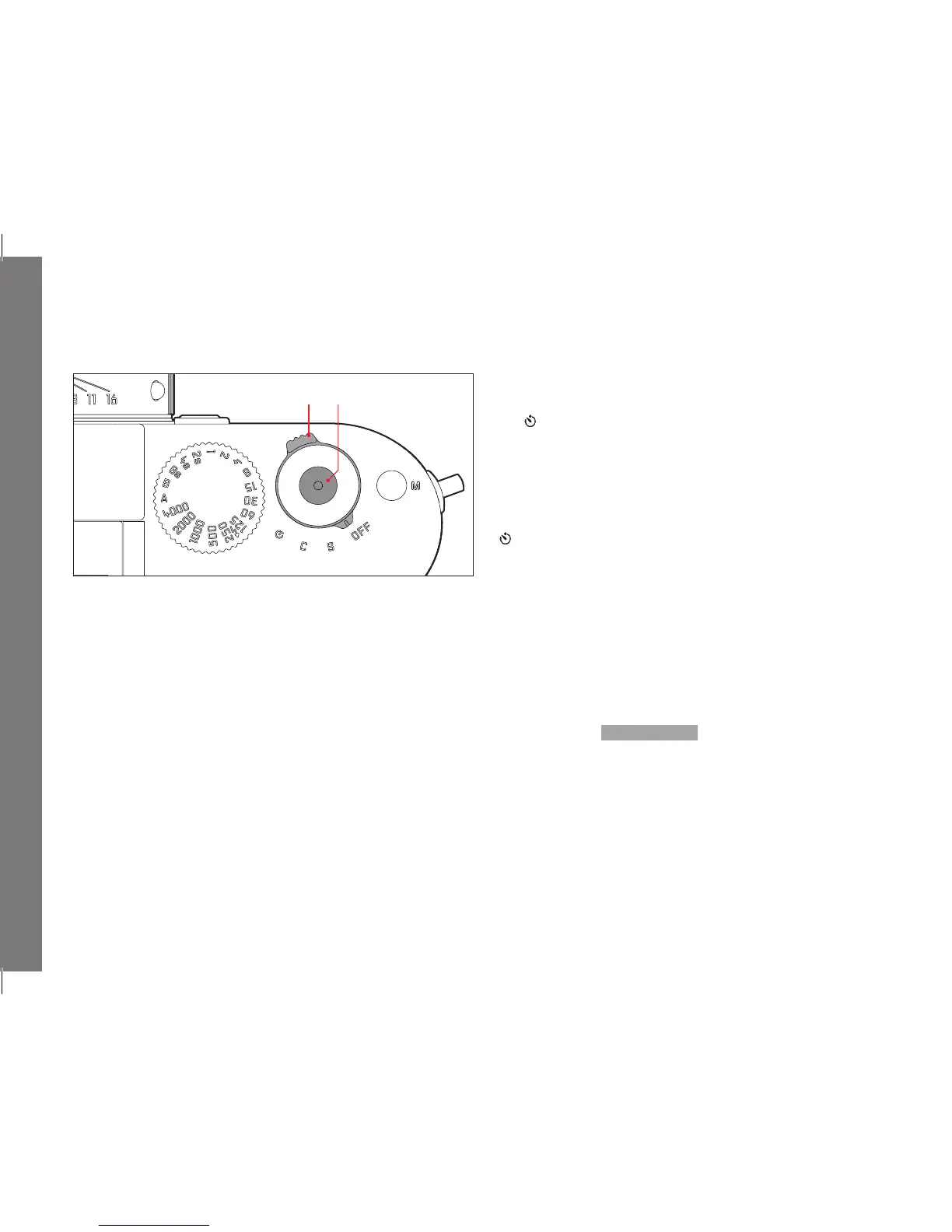
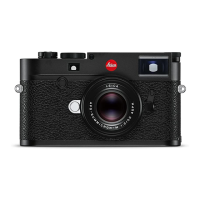
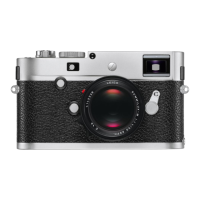
The camera is turned on and off using the main switch (16). This is
below the shutter release (17) and is a lever with four detent
positions:
a.
OFF – Camera turned off
b.
S – Single picture
Pressing the shutter release takes a single picture regardless
of how long it is held down for.
c. C - Continuous series
A series of pictures are taken for as long as the shutter release
is held down and the capacity of the memory card used and
the internal buff er memory is suffi cient. The fi rst 16 pictures at
least are taken in rapid succession, subsequent pictures with a
reduced frequency.
d.
- Self-timer
Pressing the shutter release starts the set delay time (see p.
200), then the picture is taken.
TURNING ON
After turning on, i.e. after setting one of the three functions
S, C or
, the LED (34) lights up briefl y and the displays in the viewfi nder
appear (see p. 240).
Note:
After turning on, the camera is ready to use after approx. 1s.
TURNING OFF
Even if the main switch is not set to
OFF, the camera is
automatically turned off if an automatic power off time has been
set in the menu (
Auto Power Off , see p. 160) ), and none of the
controls are used in this time.



 To Next Page