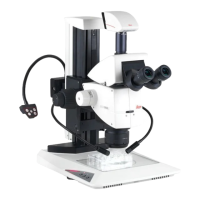
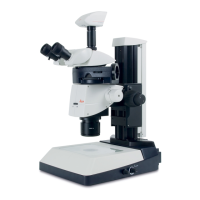
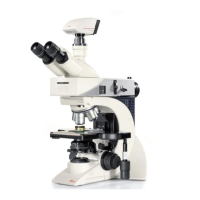
Service manual Leica M500 N, M520, M525 Service programs
Doc Code 10 665 751 3-1 08/2007 GAHE
Stock n°. Description / Specification Remark Drawing
Service programs – Leica M500N, M520, M525
Service programs in control unit
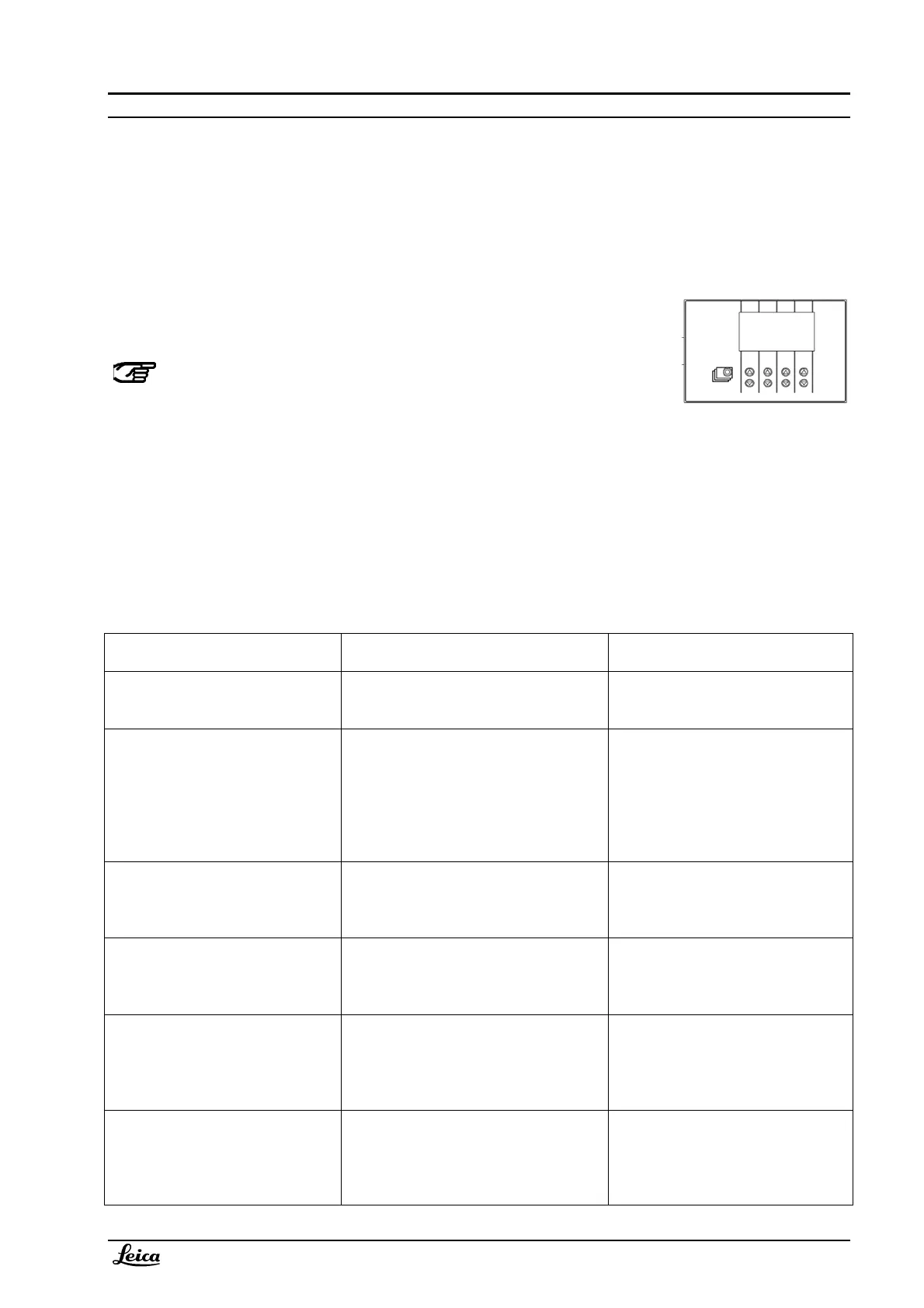
How to enter the service functions:
• Enter the service menu of the M500 N/M520 control unit in menue II
• Enter security code: 6642
• Select the service functions
Validity
Below description refers to SW 1.87 in the control unit and 2.4 or 4.4 in optics carrier.
Service function
Description Remark
Standard and user configuration Settings of user- and standard
configuration can be changed and
stored.
Refer to stand user manual.
Ad. Function 1 output configuration The output of additional function 1 can
be set and stored either to toggle or to
switch mode.
Switch mode: relais contact closes
as long as the release button is
pressed.
Toggle mode: relais contact
opens/closes with each activation of
the release button.
Ad. Function 2 output configuration The output of additional function 2 can
be set and stored either to toggle or to
switch mode.
-“-
Screen saver setting Screen saver for control unit display:
after the selected time the brightness
will be reduced.
Adjustable between 0..60 minutes.
Default = 5 minutes.
0 minutes will disable screen saver.
User parameter save time setting When user settings are saved, the
display shows “User setting saved at…”
for a certain time; this time can be
altered.
Adjustable between 2..6 seconds.
Default = 4 seconds.
Power off timer setting A power off / power on within the
selected time will effect:
The last selected user (before switching
off) is automatically taken as the actual
user.
Adjustable between 0..60 minutes.
Default = 5 minutes.



 To Next Page