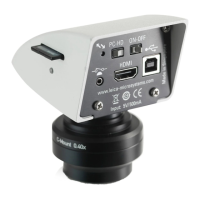
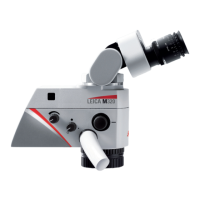
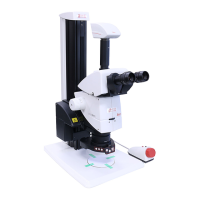
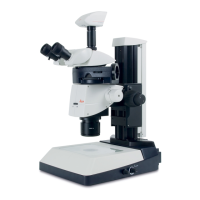
Leica MC170 HD or Leica MC190 HD User Manual 2
Contents
General Notes
General Notes 5
Important Safety Notes 6
Symbols Used 7
Safety Instructions 8
Introduction
Congratulations! 11
Standard Delivery and Optional Accessories 12
Overview of the Instrument 13
Effective Displayed Section 14
Assembly
Assembling the Camera 16
Installation
HD Mode (Standalone) 18
Cables and Terminals, Activating HD Mode (Standalone) 18
PC Mode 19
Connecting a Computer, Installing Software, Activating PC Mode 19
Limitations in PC Mode 20
Instrument Setup
Leica MC170 HD or Leica MC190 HD 22
Switching on the Leica MC170 HD or Leica MC190 HD 22
Configuring the Footswitch 23
Remote Control 24
Pairing Cameras With Remotes 26
Application
Switching on the Leica MC170 HD or Leica MC190 HD (Standalone) 28
Information About SD Memory Cards 29
Capturing Images Without a Computer 30
Displaying Images and Videos Without a Computer 31
White Balance 32
Switching on the Leica MC170 HD or Leica MC190 HD (PC Mode) 33
Additional Use of an HD Monitor (PC Mode) 34


 To Next Page