X75 Quick Start Guide 11
X75SD/X75HD Multiple Path Converters and Frame Synchronizers Quick Start Guide
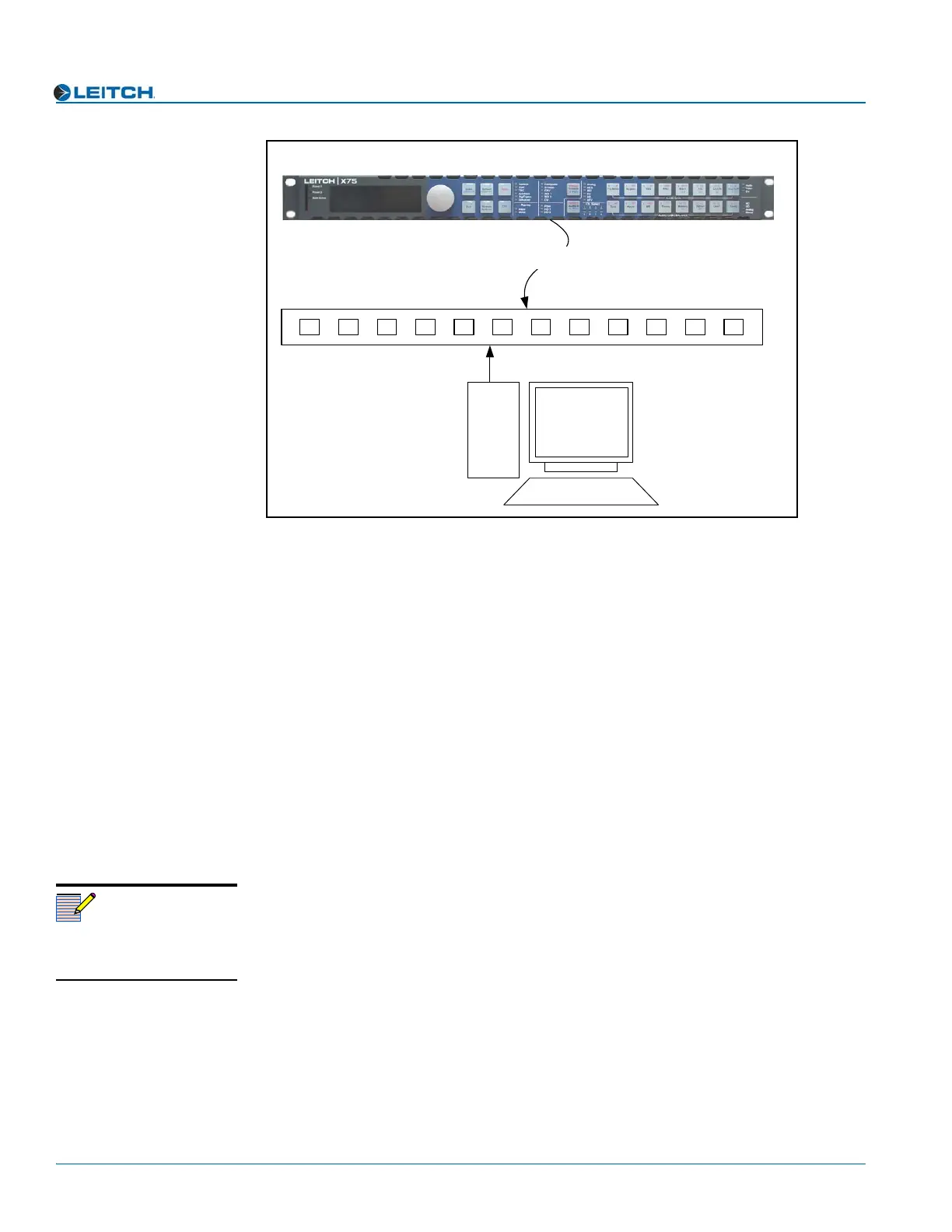
Figure 9. Network Connection
Setting IP and Subnet Mask Addresses
To allow devices to communicate on a network, you need to set all devices to the same
subnet (network location). When shipped, all X75 units are configured with the same
default IP (device identifier) and subnet addresses. These addresses need to be changed
so that each unit is uniquely identified and the network location of all units is accurately
reflected.
An IP address is made up of a four-item set of numbers (octet). The default
(factory-configured) IP address for every X75 unit is 192.168.100.250. You need to
change the first three items in the octet to identify the location (address) of the unit on
your network; you need to change the last item in the octet to uniquely identify the
device from other X75 units.
The default subnet mask address for every X75 is 255.255.255.0.
Procedure
Follow these steps to configure X75 IP, subnet mask and Gateway addresses:
1. Apply power (plug in) an X75 unit with a frame-mounted local control panel (LCP).
When ready for configuration, the X75 Main Menu shows on the display screen.
2. Go to the System Config>Setup menu.
3. Locate and scroll to the Device IP parameter, and then press Enter.
If this is a new unit being configured, the default IP displays. Otherwise, the current
IP address of the unit displays.
4. Change the IP address by following these steps:
a. Press Enter to navigate to one of the four numerical items in the octet.
b. Modify the address value by using the scroll knob to set a new number.
X75 multiple path converter and frame synchronizer
3rd party hub or switch
10/100Base-T Ethernet cable
PC
Note
For more information on
changing network settings,
consult your IT personnel.



 To Next Page