EasyManua.ls Logo

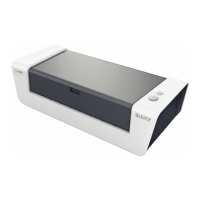
LEITZ iLAM TOUCH A3 - User Manual

LEITZ iLAM TOUCH A3
115 pages
Print Icon
To Next Page IconTo Next Page
Loading...
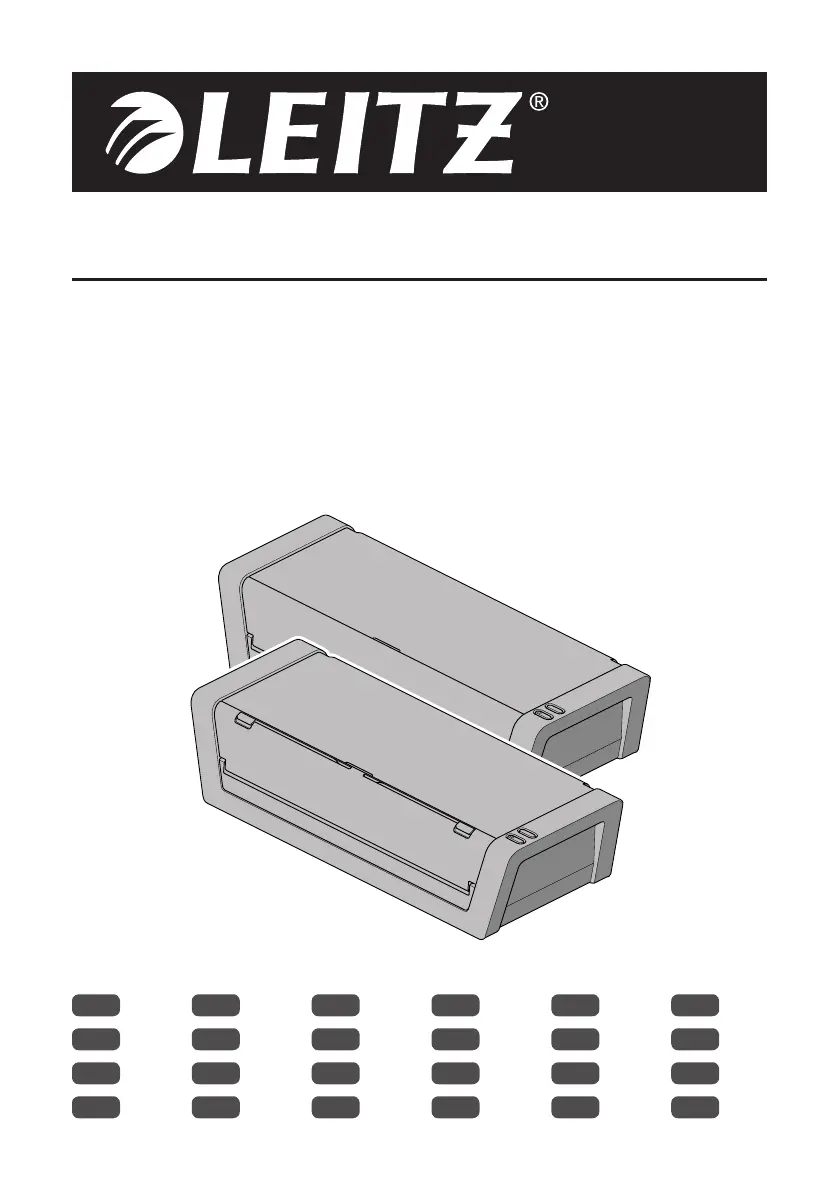
INSTRUCTIONS FOR USE
iLAM LAMINATOR
TOUCH A3
TURBO A3
TURBO PRO A3
EN
1
DE
5
FR
9
IT
14
ES
19
PT
23
NL
28
DA
32
NO
37
SV
41
FI
45
ET
49
LV
53
LT
57
PL
61
UK
66
RU
71
KK
76
CS
80
SK
85
HU
89
RO
94
GR
98
TR
103

Table of Contents

Questions and Answers

  • J
    Joseph HorneJul 31, 2025
    What to do if the LEITZ iLAM TOUCH A3 Laminator pouch gets stuck during lamination?
    • P
      Paul CruzJul 31, 2025
      If a LEITZ Laminator pouch gets stuck during lamination due to glue deposits or heat reaction, immediately press the reverse button to drive the pouch out through the input tray. Gently pull the pouch to assist. Once the pouch clears the front sensor area, ensure it's clear of the entry to prevent it from being pulled back in. After this, switch the device on again to continue laminating. Remember to clean the rollers.

Summary

Intended Use

Technical Specifications

For Your Safety

Use

Unpack and check the contents

Verifying all components of the iLam Laminator package are present before use.

How to laminate a document

Step-by-step instructions for laminating documents using the iLam laminator.

How to use the Smart Guide System

Maintenance and care

How to clean the rollers

Instructions for removing adhesive residue by cleaning the laminator rollers.

How to clean the housing

Guide on cleaning the exterior of the laminator with a damp cloth.

Troubleshooting

How to retrieve a pouch that has not been inserted correctly

Procedure to reverse and remove a misfed laminating pouch from the machine.

LEITZ iLAM TOUCH A3 Specifications

General IconGeneral
Dimensions (WxDxH)526 x 143 x 401 mm
Power requirements220/240 V AC
Preheating time5 min
Lamination speed700 mm/min
Maximum lamination width320 mm
Maximum document thickness1 mm
Weight and Dimensions IconWeight and Dimensions
Weight5000 g

Related product manuals