6.1 Key-press guidance
Symbol Role Function
SET
Set
For user's parameter setting,check the status by a short
press and press "UP" to look up the set value; When the
display is for the last selection, repress "DOWN" to revert
to the main menu; In the course of set value reading,
another short press of "SET" gets into setting process,
when the setting value is flashing, press "UP" or "DOWN"
to increase or decrease the value, then validate it and
return to lookup status by a short press of “SET” again.
UP
Incr.
1、
2、
.In setting interface, a short press makes the value
increased progressively 1 by 1 and a long press gets the
rapid increment.
In the interface of fault lookup, press "UP" to leaf
through the defaults with the system
6. Regular operations
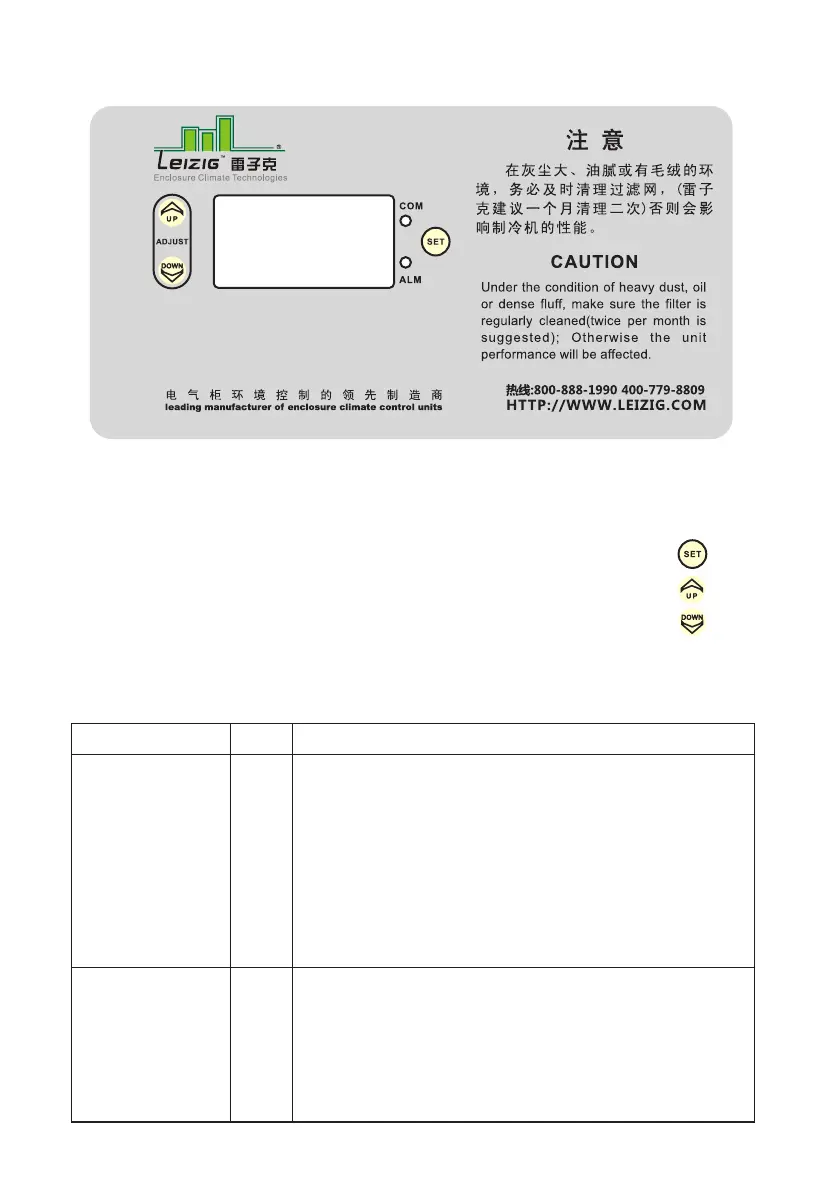
See the control panel at above picture
Panel indicator lights
# COM # Communicating indicator light
# ALM # Fault indicator light
Keys
Set key
Increase(Incr.) or turn up Key
Decrease(Decr.) or turn down key
HTTP://WWW.LEIZIG.COM
15


 To Next Page