Manual set
If you set No update, the wizard now prompts you to set the time and date manually.
The date and time are displayed as dd-mm-yyyy and hh:mm AM/PM with the first value,
dd, active (flashing).
Adjust each value with the Select control.
As each value is set, the next value becomes active and flashes.
12/24 hour display
To change between 12 and 24 hour display, select Set 12/24 hour and then select your
preference.
4. DAB radio mode (Optional)
To enter FM mode, please refer the below steps:
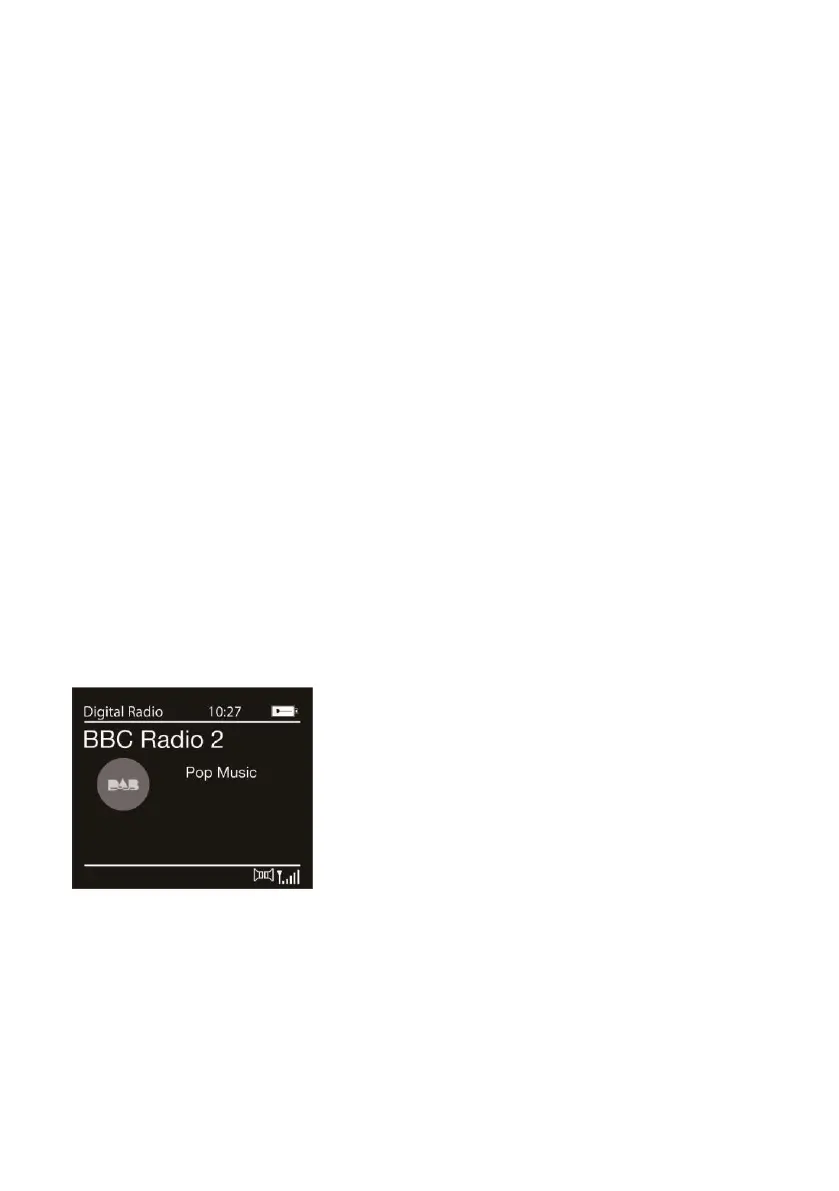
1) Product defaults to DAB mode.
2) If this is the fist time you are using the radio, it will automatically start scanning.
This may take a few minutes - previously-selected station or fist station on the
station list will automatically play.
3) To change station, press Tune +/-’ button and use ‘Navigation’ dial to choose a
radio station, press dial to select.
4) Adjust volume using ‘ Power/ Volume’ dial, turn anticlockwise to decrease and
clockwise to increase volume.
If reception was not good for the original scan (for example the antenna was not up),this
may result in an empty or incomplete list of available stations.
If you have poor reception of some stations (burbling), you may wish to list only stations
with good signal strength.
To start a scan manually, select Menu >Full Scan.
Once the scan is complete, the radio shows a list of available stations.


 To Next Page