On completion
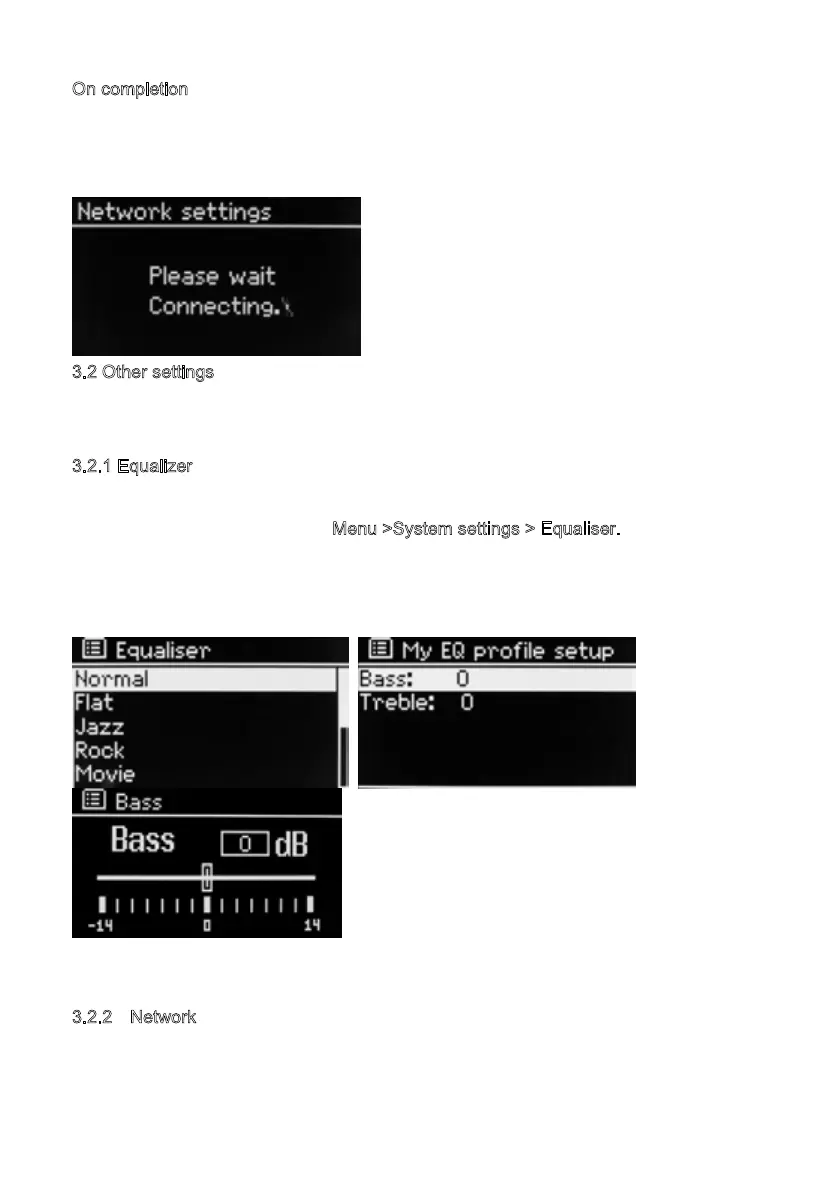
MSY5 connects to the selected network.
If connecting fails, MSY5 returns to a previous screen to try again. To exit the process
use the Back/Menu button
3.2 Other settings
Sections for those modes. Common settings are covered below.
3
.2.1 Equalizer
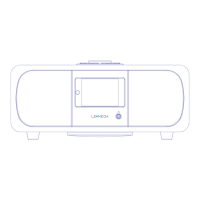
Several preset EQ modes are available; also a user-defined setting (My EQ).
To choose an EQ setting, select M
enu >System settings > Equaliser.
You can then choose from a variety of preset modes and My EQ
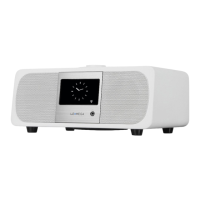
The last option ‘My EQ profile setup’ allows you to define your own settings for the ‘My
EQ’ option, with custom bass, and treble settings.
3.2.2 Network
MSY5 remembers the last four wireless networks it has connected to, and automatically
tries to connect to whichever one of them it can find. You can see the list of registered
16


 To Next Page