GB 4
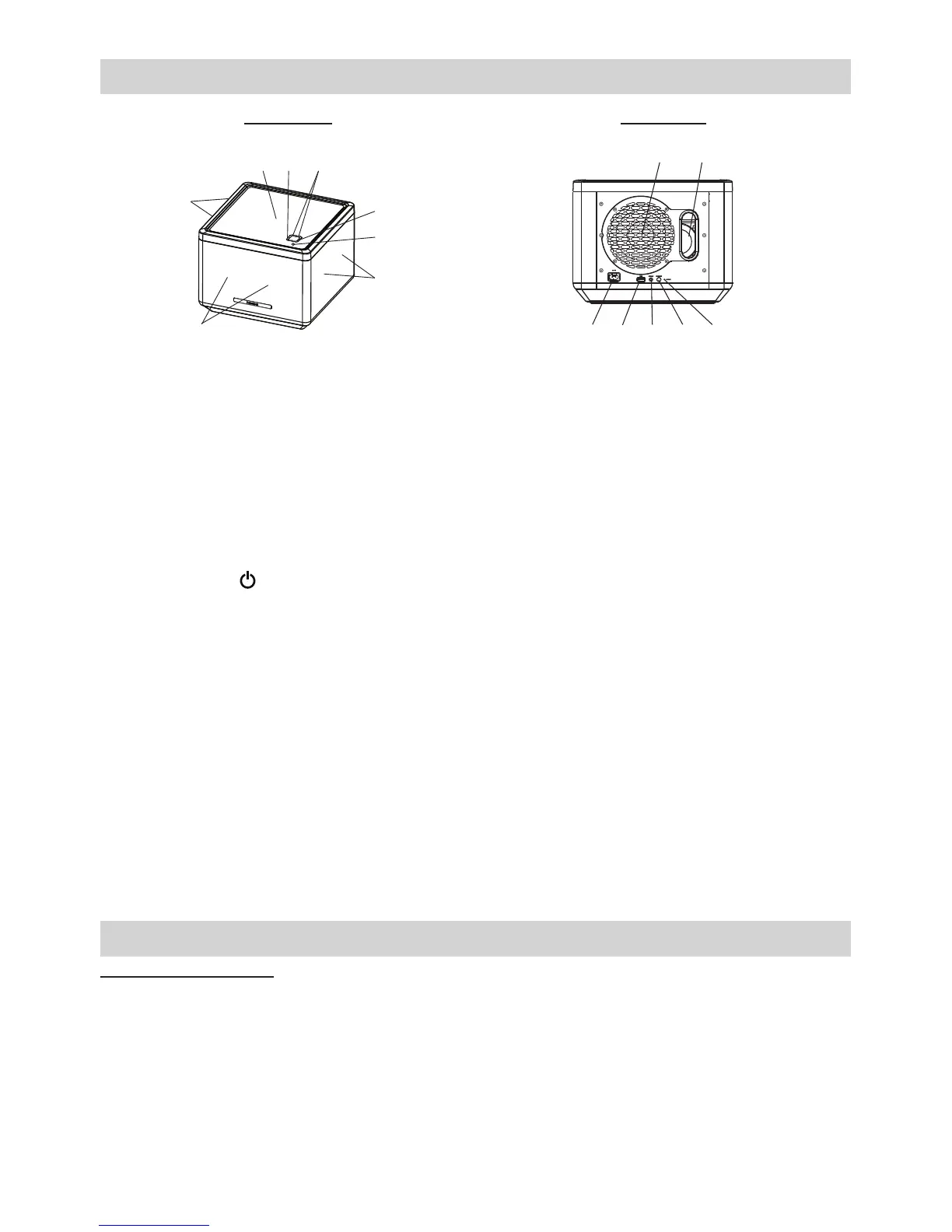
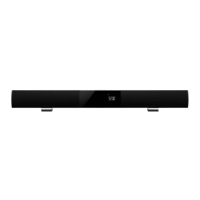
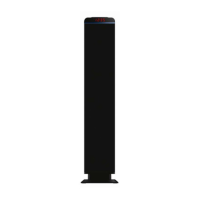
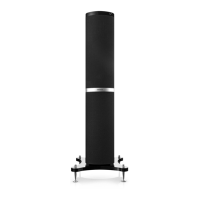
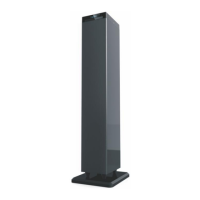
Description of parts
Front View Rear View
2
1
1
1
6
3 4
5
7 8 9
10 11
12 13
1. Six wave eld synthesis
(WFS) speakers
2. NFC sensor The NFC (Near Field Communication) sensor located
at middle top of the unit.
3. FUNC. button The function button, press to select Bluetooth® or
AUX-IN mode.
4. VOLUME + / - button Adjust volume level up or down.
5. POWER button Turn the unit on or off.
6. Status LED indicator
7. AC socket Power supply to the unit.
8. USB connector Power source DC 5V (1000mA) for charging mobile
device battery only.
9. AUX-IN jack Auxiliary audio signal input.
10. PAIRING button Press to enter Bluetooth® pairing mode.
11. RESET button For resetting the unit.
12. Subwoofer
13. Bass Reex Opening This opening should never be blocked otherwise the
bass effect will be reduced.
Installation
AC Power Connection
(1) Connect the power cord plug to the AC socket located at rear of the unit.
(2) Firmly and securely plug the AC mains plug into AC mains outlet.


 To Next Page