12
FM RADIO OPERATION
Auto Scan
1. Turn on the unit in FM mode.
2. Press and hold the SCAN button to start auto-scanning and saving the available stations (max. 30 storage).
Manual Scan
1. Press the or button repeatedly to tune to a different frequency, 0.05MHz per step.
2. Alternatively press and hold the or button to automatically search to the next available station.
Storing FM Presets
You can save up to 30 FM stations.
1. Tune to the station you wish to store.
2. Press and hold the PRESET button, “Preset Store” will be displayed.
3. Press the or button to select the desired preset number to store.
4. Press the ENTER button to store.
Recall Stored FM Presets
1. Press the PRESET button, “Preset Recall” will be displayed.
2. Press the or button to select the desired preset number to recall.
3. Press the ENTER button to recall.
Stereo / Force Mono Selection
When receiving a Stereo FM radio channel, pressing the PLAY/PAUSE button to toggle between stereo audio and
force mono audio.
Displaying FM Station Information
There are several types of information provided by the radio station. To display the information, press the INFO /
MENU repeatedly.
FM MENU OPERATION
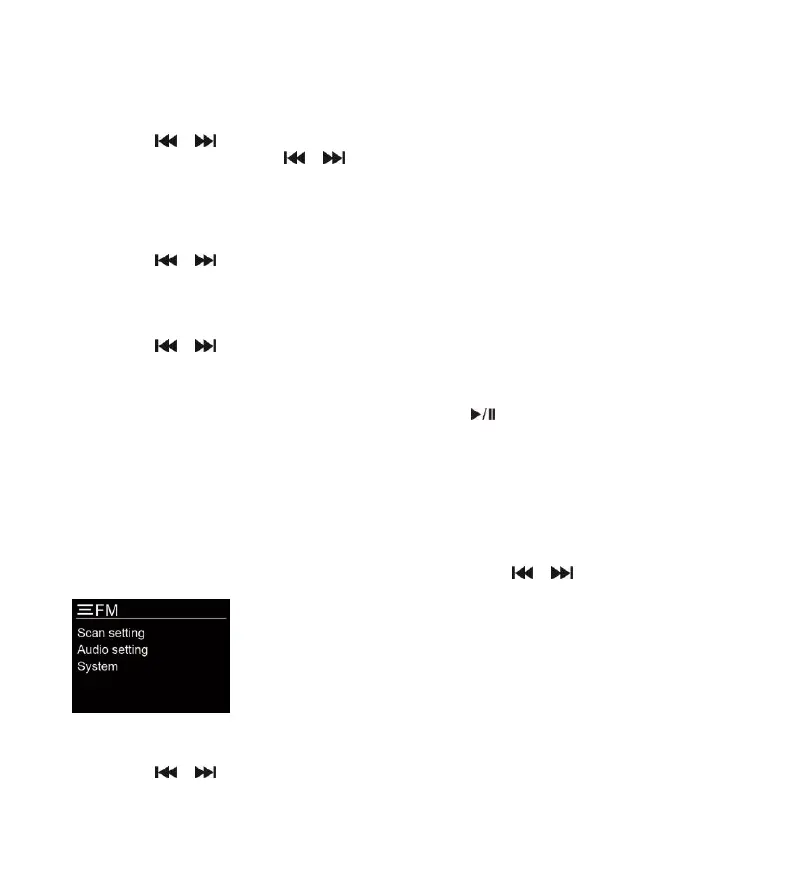
Press and hold the MENU button to access the menu control. Then press the or button for different options as
described below.
Scan Setting
1. Press and hold the MENU button to access the menu control.
2. Press the or button to highlight the “Scan setting” and then press the ENTER button.



 To Next Page