11
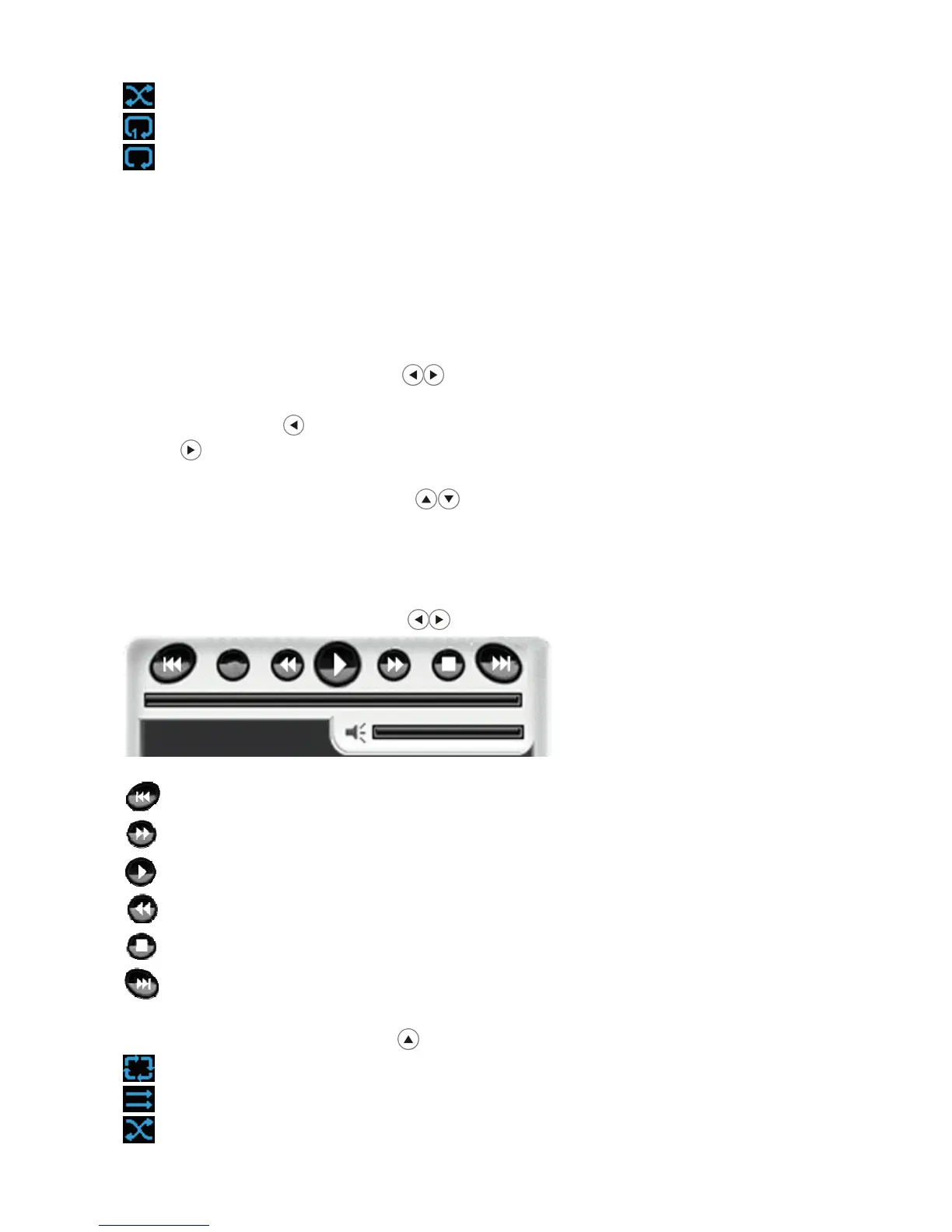
Random repeat all files
Repeat single file
Repeat folder
Listening to Music
Make sure you have at least one music file on your memory cards or USB
flash drive or the frame’s internal memory.
◆Press “Back’’ button repeatedly to have the cursor position moving to File –
Image - Flash device orderly.
◆Using the directional arrows highlight ‘’Music’’, press “Enter” button or
wait for 3 seconds, cursor position will move to the list of music. Press
directional arrow music list will switch to last page and press directional
arrow music list will switch to next page.
◆Using the directional arrows highlight the desired music file, press
“Enter” button to listen to music.
Press “Func” button on the remote control to have the cursor position moving
to music setup.
1.Using the directional arrows selecting and pressing:
Play previous video file
Fast forward
Play / Pause video
Fast backward.
Stop playing video
Play next video file
2.Using the directional arrow selecting repeat mode:
Repeat all files
No repeat
Random repeat all files


 To Next Page